













Supported by (Turn Off)

-


1
Help Raise Money For Legendary Wargaming Artist Karl Kopinski
-
3
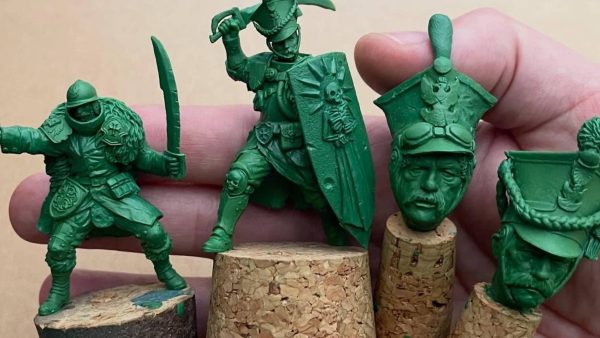
Scibor Preview Brand New Miniatures Coming To Kickstarter Soon
-

5
Hope For Warhammer 40,000’s Blood Angels Players With New Tease?
-
6
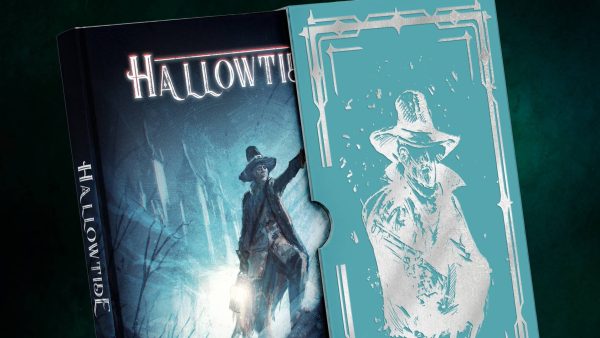
Delve Into Eldritch Fantasy Wargaming With Black Site’s Hallowtide
-
3
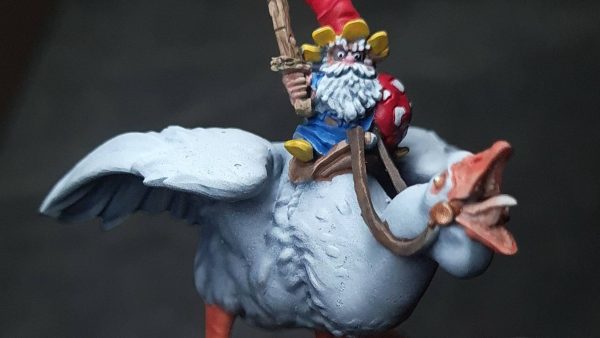
Celebrate Gnomevember With Warp’s New Special Characters
-

4
Head Into Hagglethorn Hollow’s New Fantastical Evermaze!
-
2
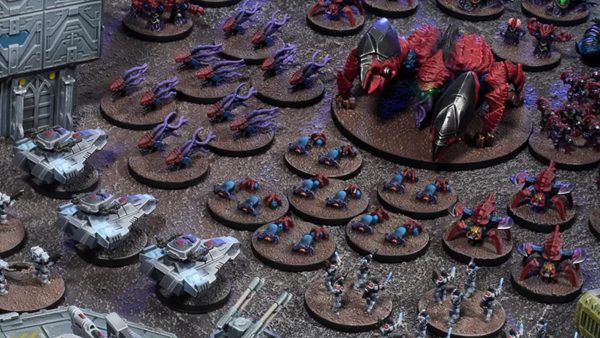
Epic Warpath Reinforcements Bring New Firepower To Every Faction
-

2
Dive Back Into Discworld With New Lancre and Überwald RPG Books
-
4
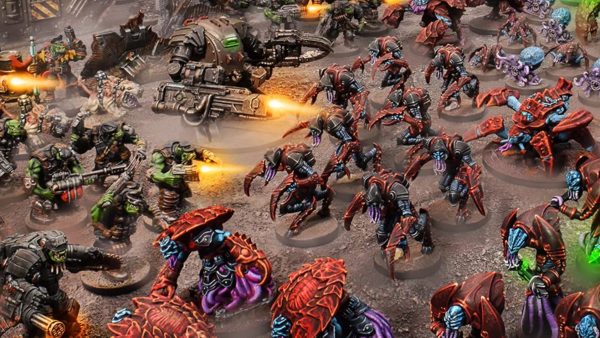
Mantic Unleash The Nameless! Warpath Command Protocols Expansion
-

5
Pick Up Mike Broadbent’s Toy Town Miniatures From Slave2Gaming
-
8
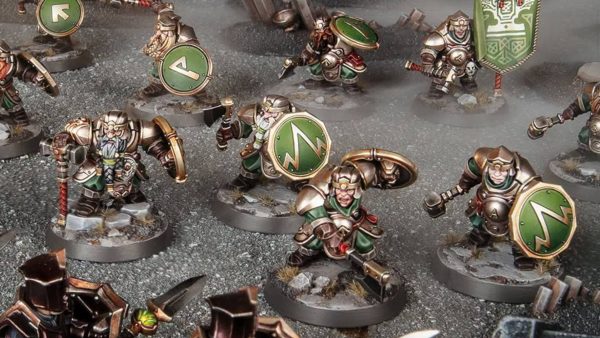
More New Khazalite Holds Miniatures For Warhammer Age Of Sigmar
-

2
Warhammer: The Horus Heresy Battle Groups For Christmas Previewed
-
1
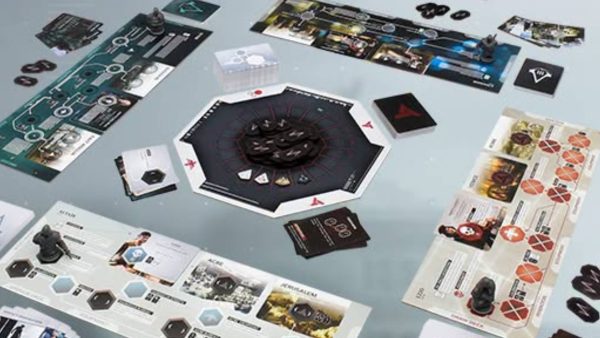
Mantic’s Assassin’s Creed: Animus Board Game Now Available
-
2
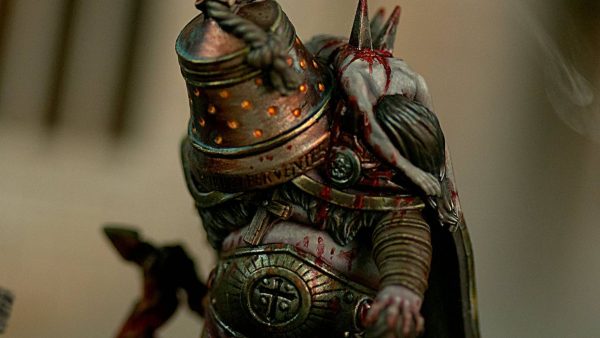
Keep The Horror Coming With TTCombat’s Baphrael For Carnevale
-

0
Union Frontline Squadrons Of 2026 Hove Into Dystopian Wars
-
1
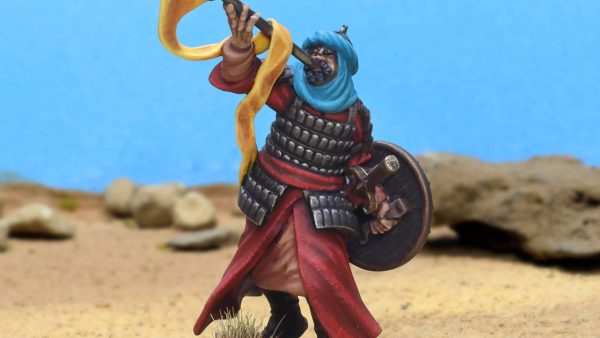
Sound The Horns Of Dorylaeum With Two New Martyrdom Miniatures
-

0
Armoured Clash’s Heroes Of The Empire & Crown Coming Soon
-

3
10mm Horselords Ride Forth For Wargames Atlantic’s Fantasy Range
-

10
Militant Monks Plastic Kit Coming This Week For The Barons’ War
-

5
Oak & Flame Expansion Comes To Guards of Traitor’s Toll
-

8
Check Out The Golden Demon Winners From SPIEL Essen 2026
-

1
Blood & Ice Clash With New War Scenery Sci-Fi Human Armies
-

1
Two New Expansions Spotted For Osprey Games’ The Silver Bayonet
-
4
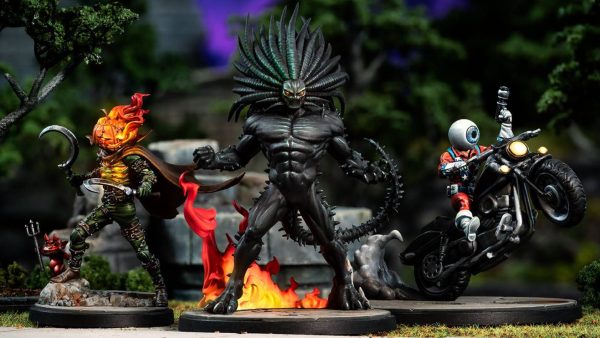
Unleash Chaos With Three New Marvel: Crisis Protocol Characters
-

4
The Hollow Harvest Comes To Empire Of The Dead For Halloween
-

2
Collect WW2 Heroes Of The Dutch Resistance With Bad Squiddo
-
0
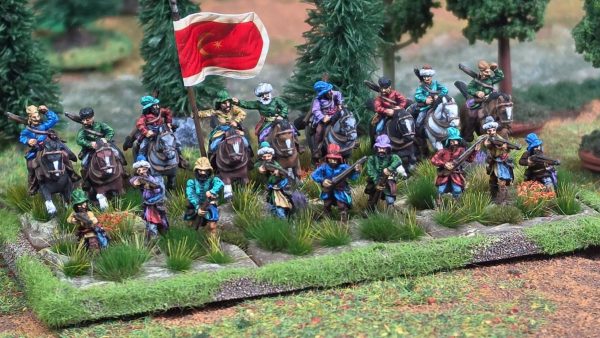
Wargamer Introduce More New Sets For By Fire & Sword Fans
-
0
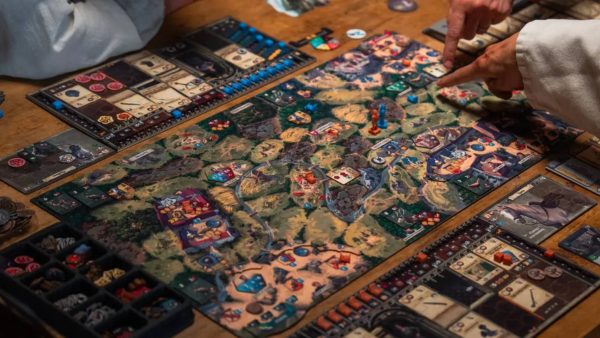
5 Big Board Games That Made A Splash At SPIEL Essen 2026
-
4
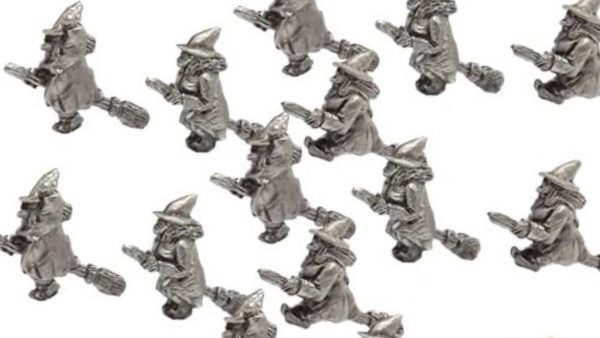
Pendraken Dive Into Tiny Halloween Spooks With Witches & Yetis
-

6
Forgotten Pigments Army Painter Announce Partnership With D&D


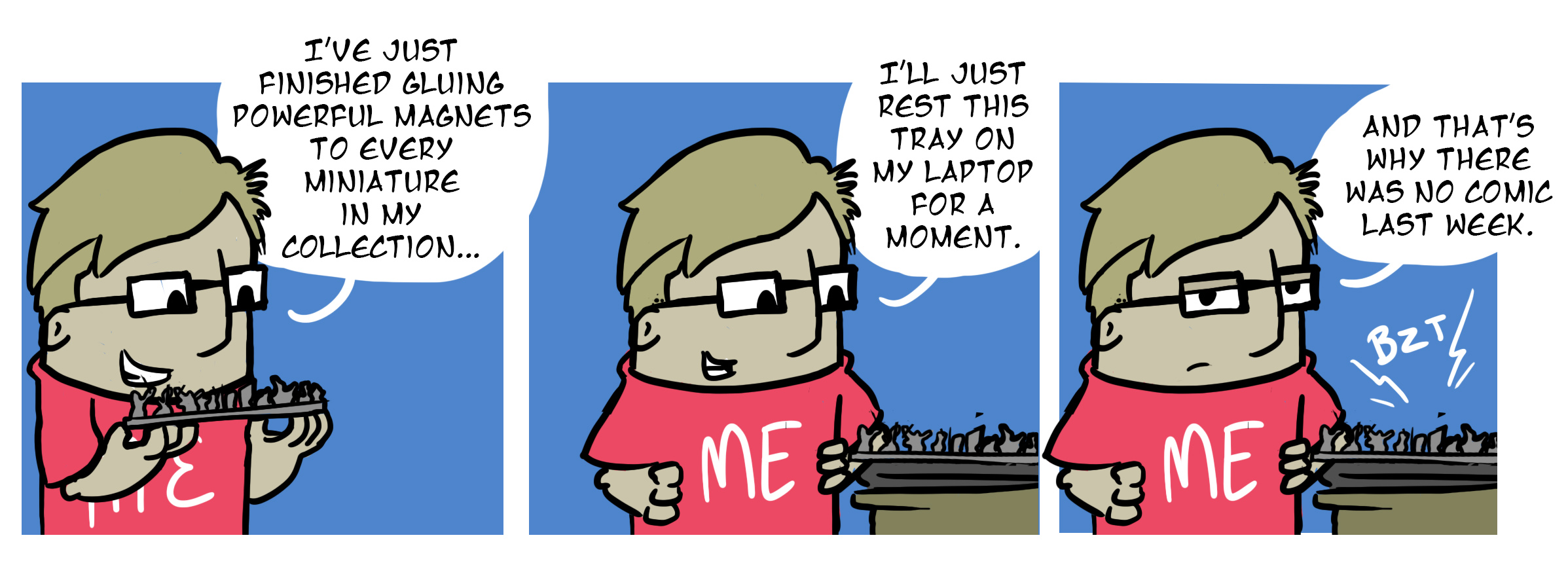
Well…. have you used your credit/debit cards since then? 😉
One of my deepest fears – up there with Dobermans snacking on my fun bits.
Lol a very attractive cartoon this week for some reason?
Oh i feel your pain :).
The chances are slim that this would happen to me because of how i have things set up, fortunately. None the less this is going in my notes for using magnets. With exclamation marks. Perhaps in red.
@caesar – shit dude this needs a campaign of awareness!!!
Or a fundraiser :p
Ouch
It’s the start of THE EVENT!
REMAIN INDOORS
don’t think about it, it will cause distress
The give away on the weekender will be lumps of wood and a stone
don’t knock it, it’s FUEL!
The first time I saw magnetic trays I wondered “What if”?
Now we know! ??
auch…. that hurt…
let this be a lesson for all of us 😀
sorry for your loss……. trying not to LOL…..
You know considering how caggy handed I am I’m surprised I havent done that, my abilty to put a paint smear on a jsut compelted finger or put finger on decal I’ve just spend 20 mins trying to put on is legendary.
I’ve got enough problem gluing on tiny bits with my fat fingers, I can’t even imagine trying something as technical and precise as magnetizing.
…Did this actually happen, though? If so, I feel your pain, dude.
Did you try and reverse the polarity?
Try giving your laptop a spray of gloss varnish, this should help protect it. If it’s too shiny, you can always go back over it with a matte varnish.
This has solved the issue :p
🙁 I feel your pain