









WARHAMMER QUEST: RE-CREATING MIDDLE-HAMMER’S FINEST DUNGEON CRAWLER



Recommendations: 109
About the Project
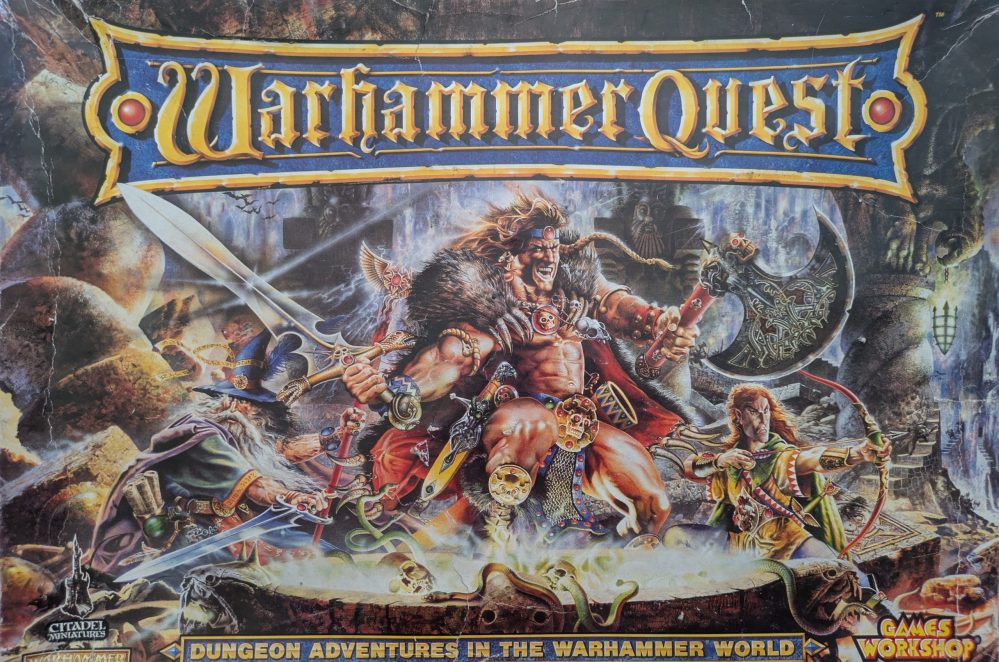
I loved GWs 1995 Warhammer Quest set - I could finally collect all those awesome minis from various different armies and battle my way through them in my very own fantasy dungeon! Fast-forward to today and the forgotten boxed set languishing in my parents' garage had escaped several culls and clear-outs, with the cardstock surprisingly intact (even if many of the miniatures had long since vanished, probably sold on E-Bay when I thought I would never be a hobby gamer again!). Lovely as this card version is, I did wonder if I could re-create the board sections and 3D print them, for an enhanced tabletop experience. This started me down a 3D design rabbit-hole, and for the last 3 months I've been designing, printing and painting my brand new WHQ95 board sections
Related Game: Warhammer Quest
Related Company: Games Workshop
Related Genre: Fantasy
Related Contest: Spring Clean Hobby Challenge 2026
This Project is Active
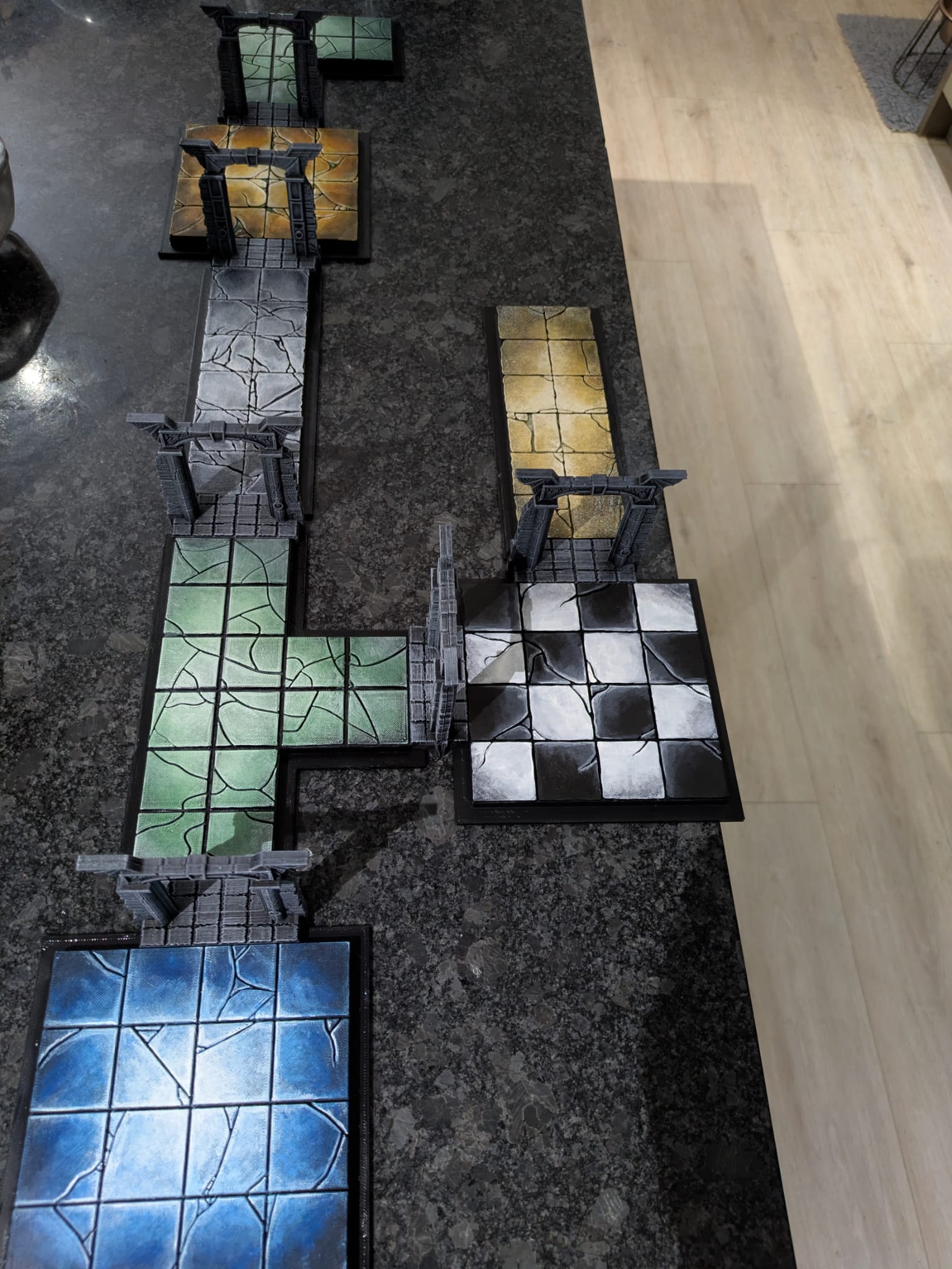
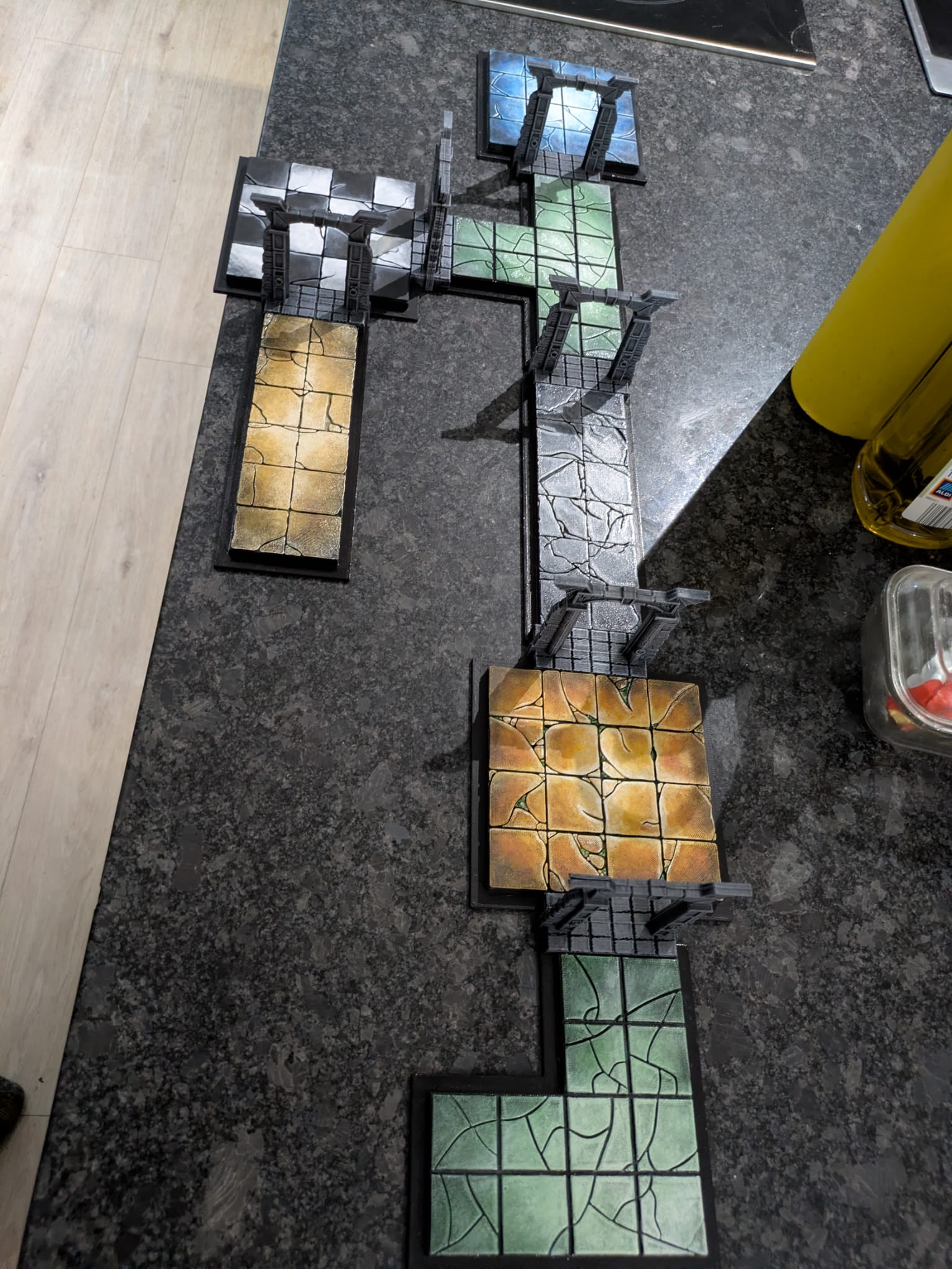
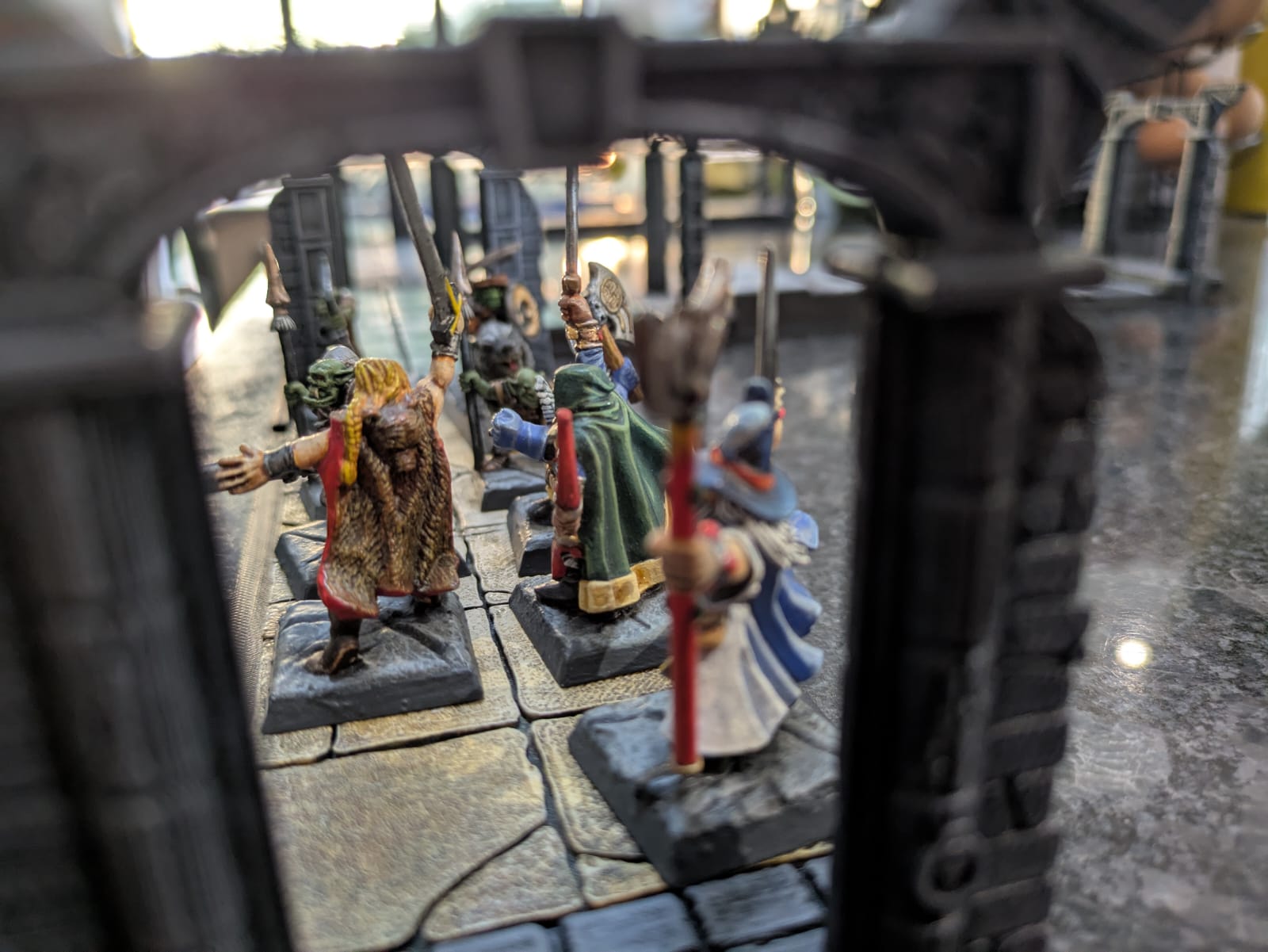
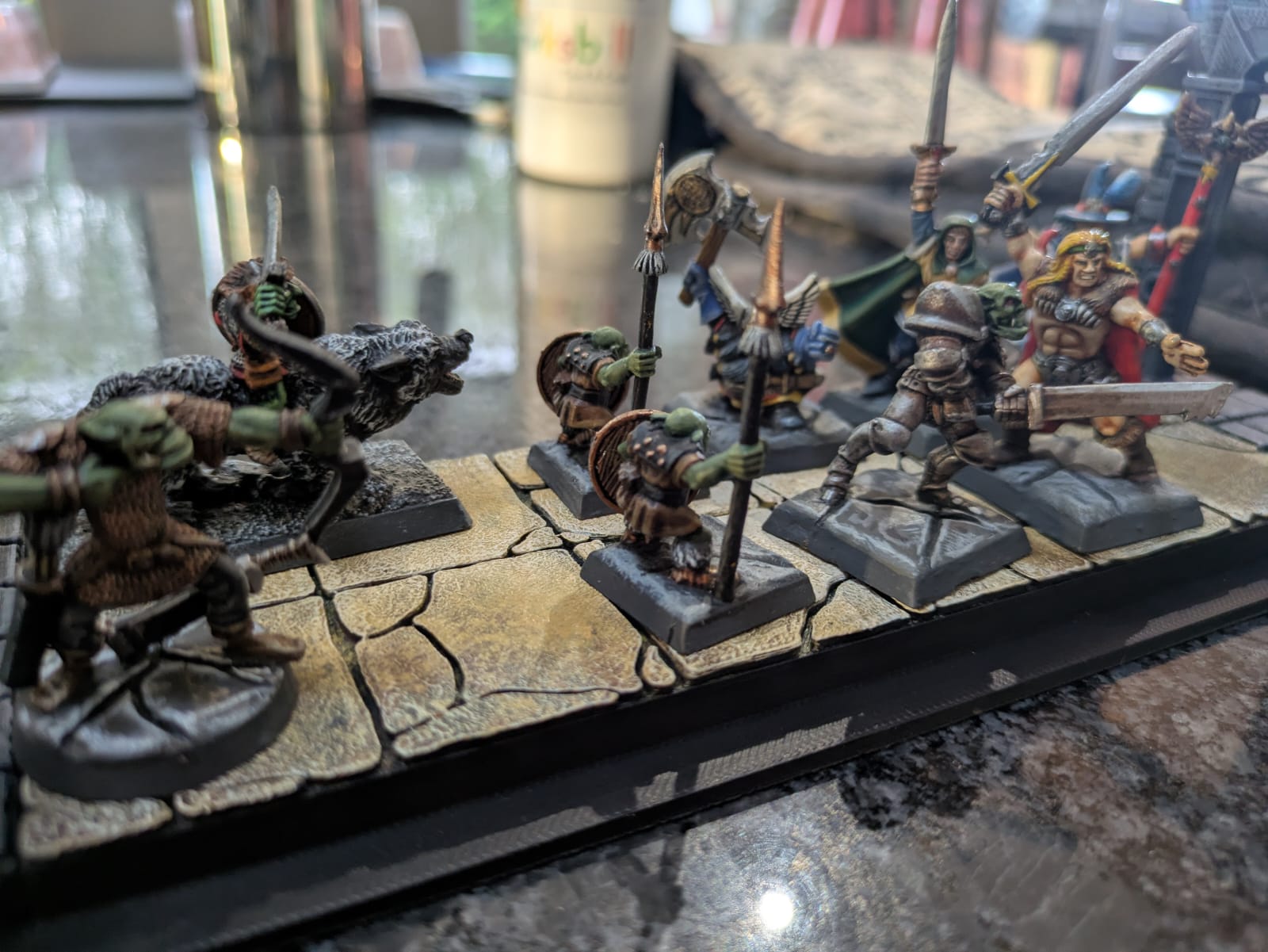
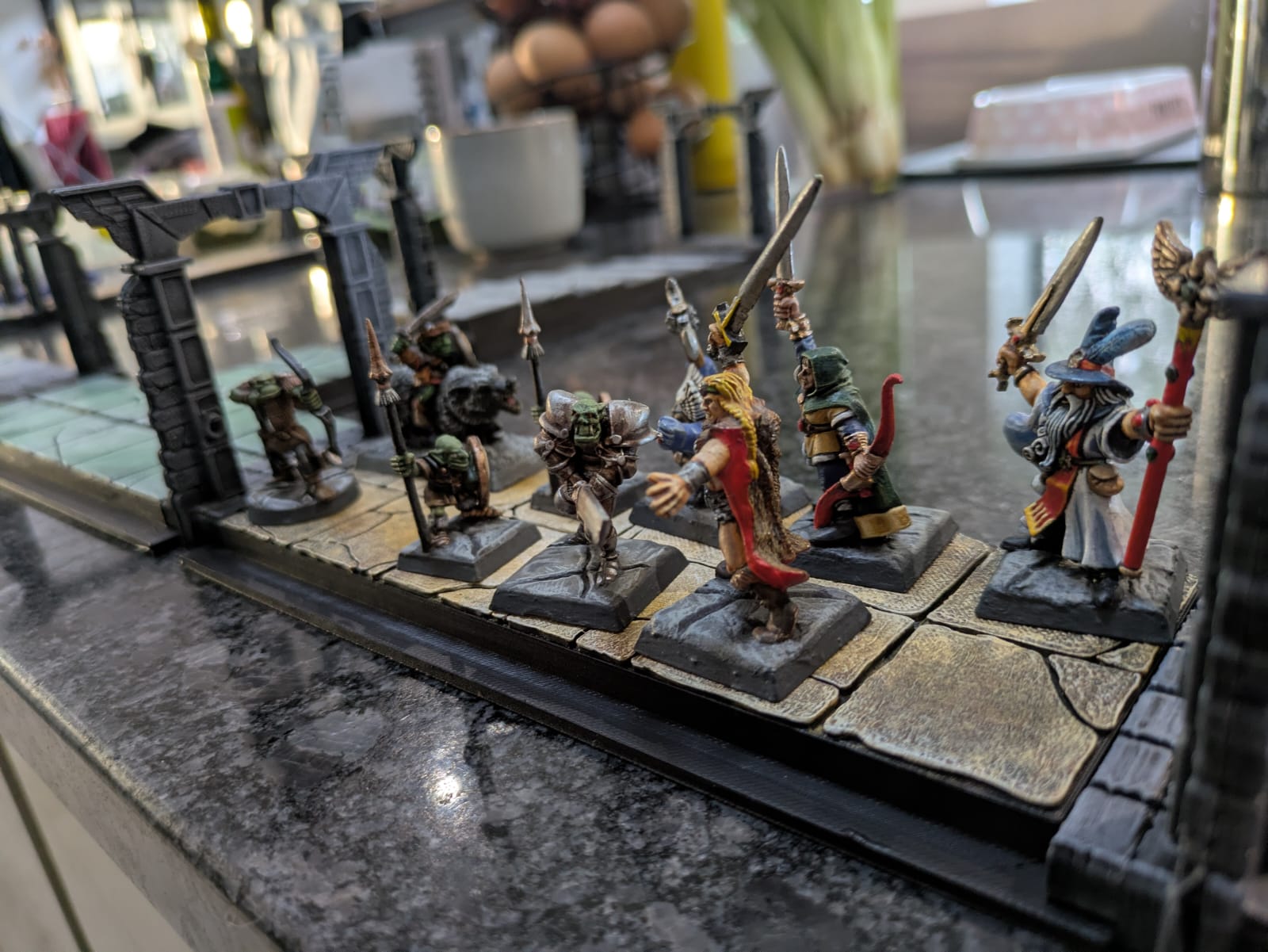
PAINTING THE BOARDS: OBJECTIVE ROOMS
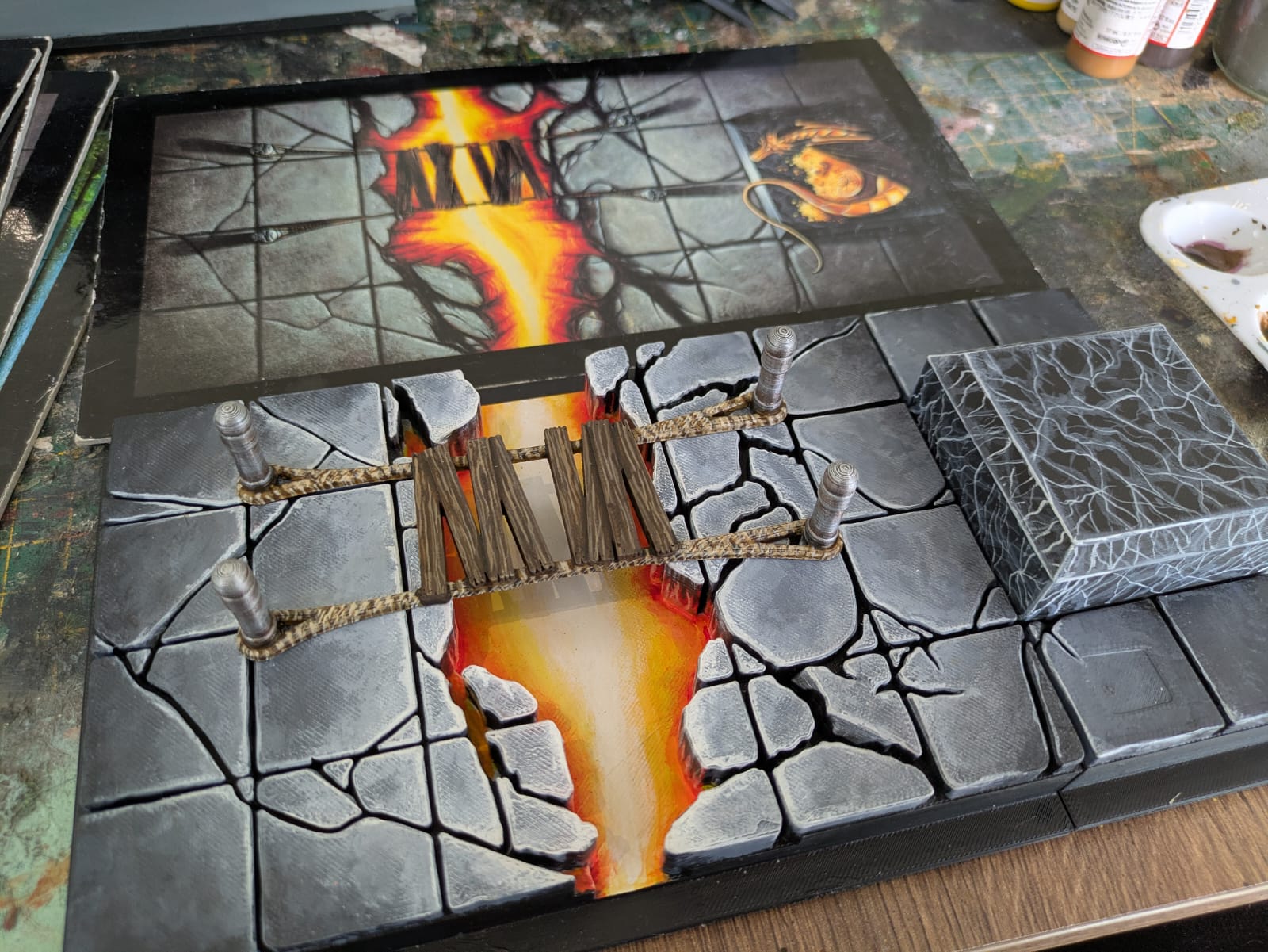 The Fire Chasm. I painted on wood-grain for the bridge, and marble effect for the plinth that will eventually hold my dragon
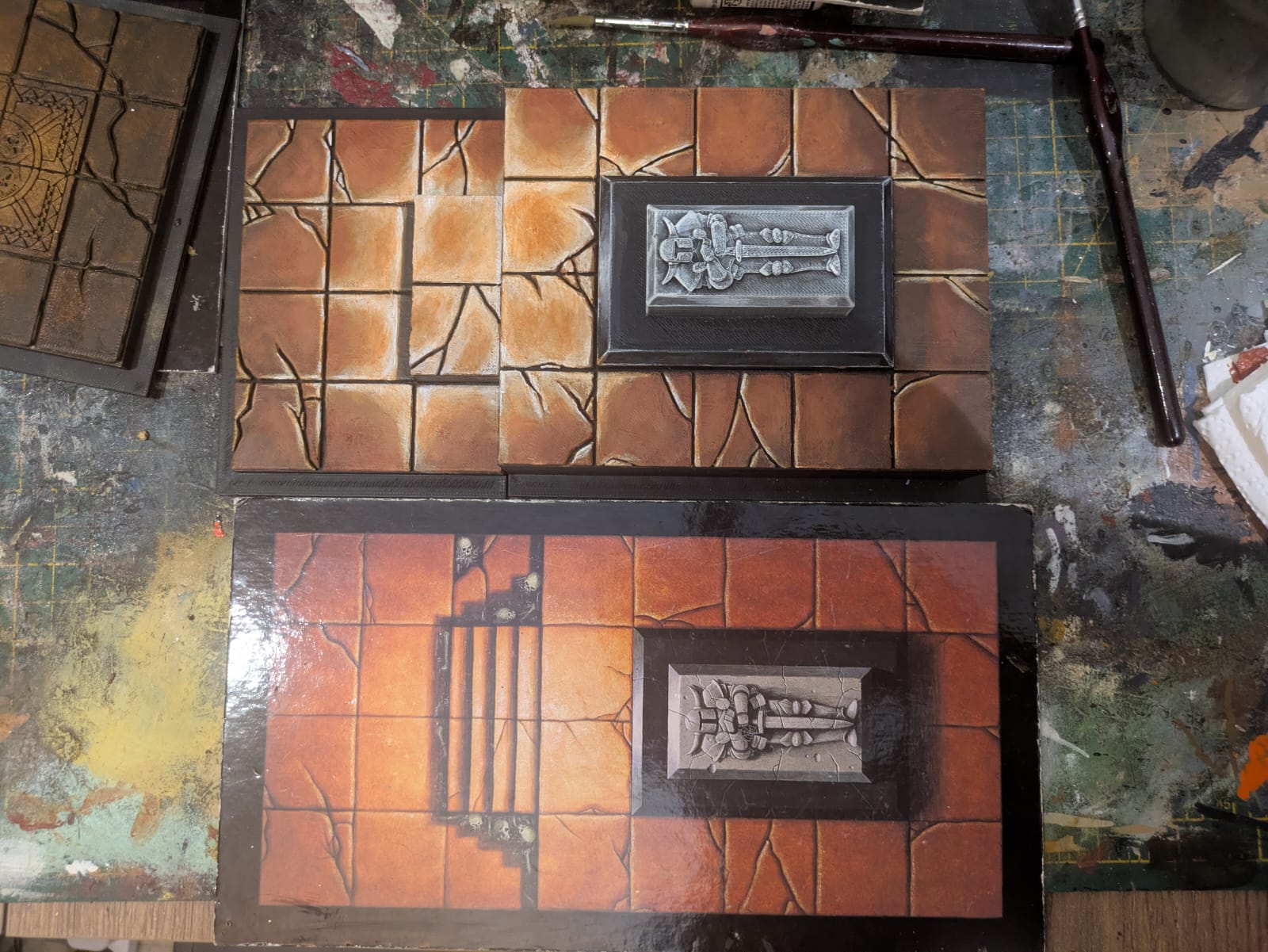 Tomb Chamber: I tried to get a more terracotta colour for the tiles, which I thought had worked at first but it dulled a little as it dried. The 3D Knight on the tomb has worked quite well though
 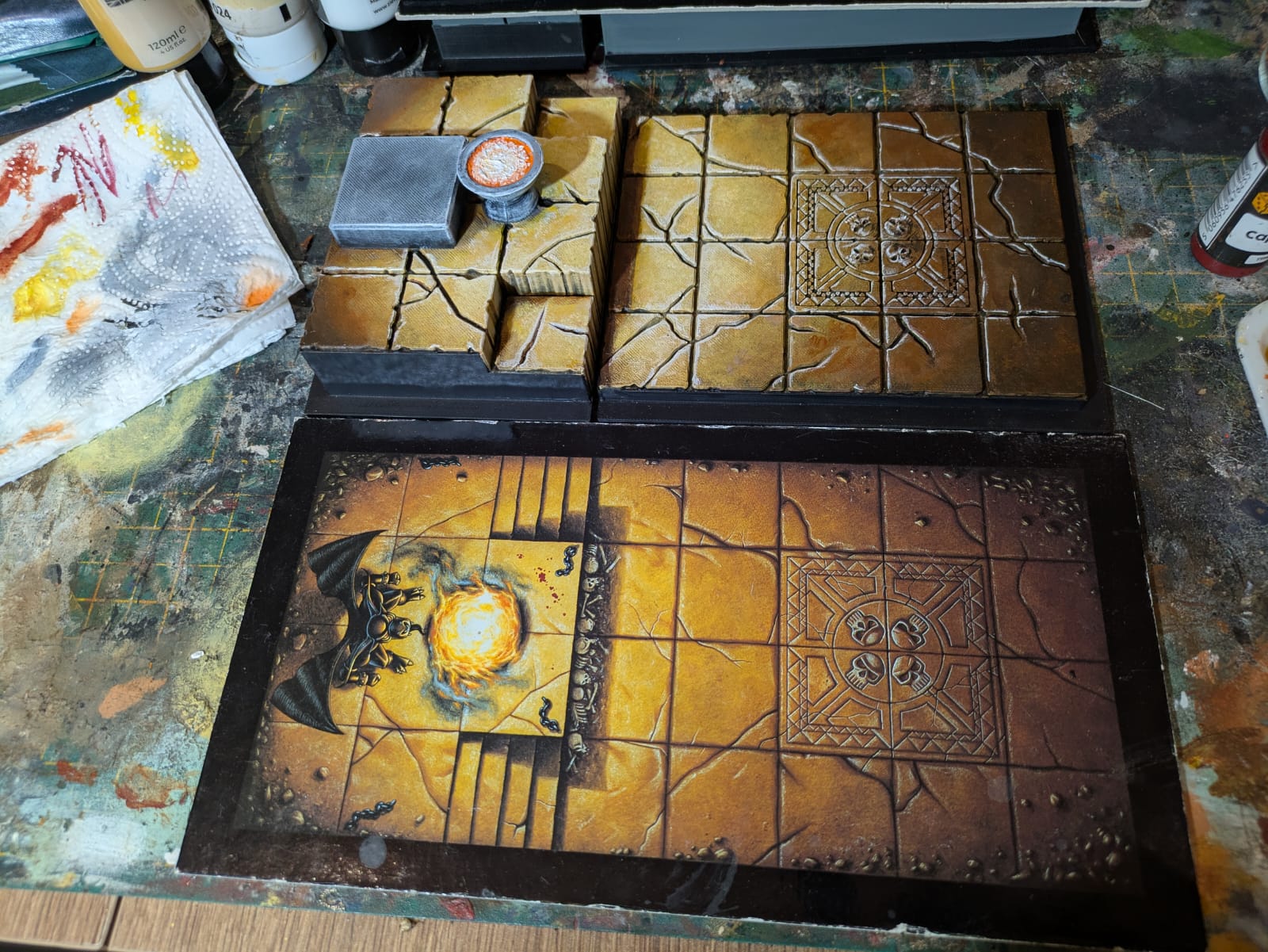 The Idol Chamber: On reflection I would have liked to have created a void in the fire cauldron and put a light in - I haven't really done anything like that before but I've seen it used to great effect in other peoples' projects
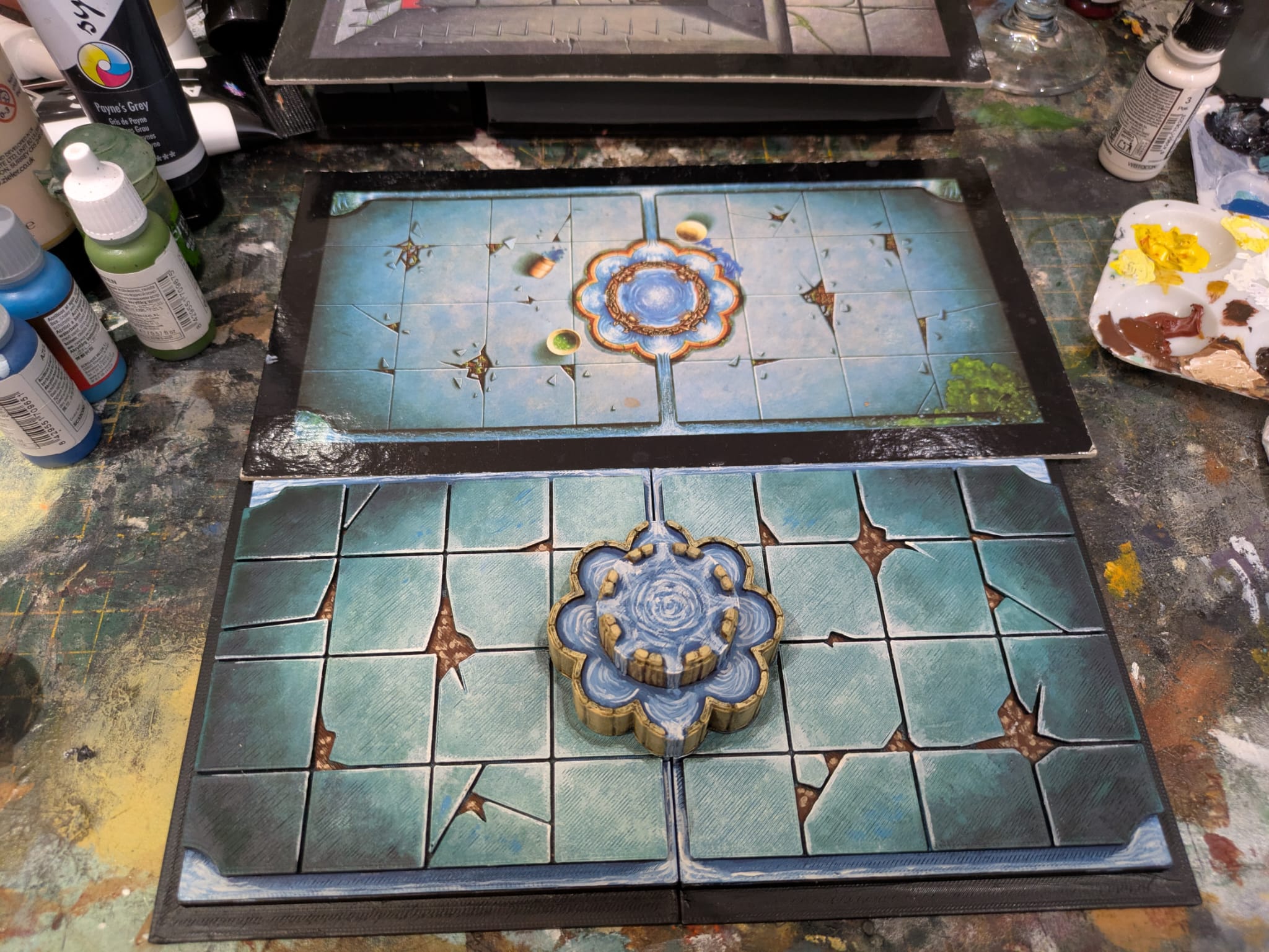 Fountain Chamber: I painted on the water effects which I think have turned out ok - I'd like to learn Blender or Z Brush so I can sculpt more organic forms and elevate this a little more
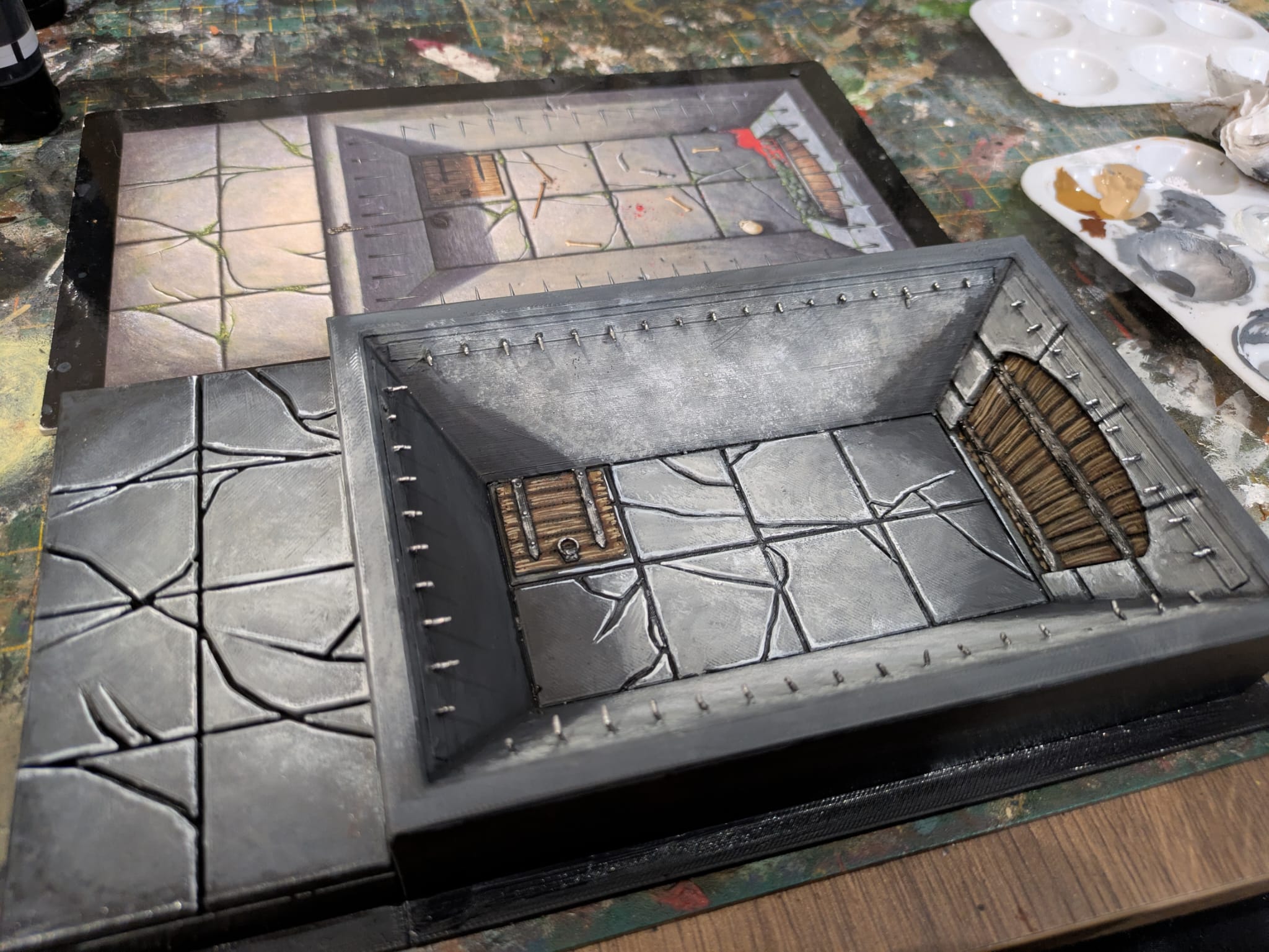 The Fighting Pit: I like the way the forced perspective has worked out here. I also think the level changes have worked without making the board section too chunky or unbelievable
 PAINTING THE BOARDS: DUNGEON ROOMS
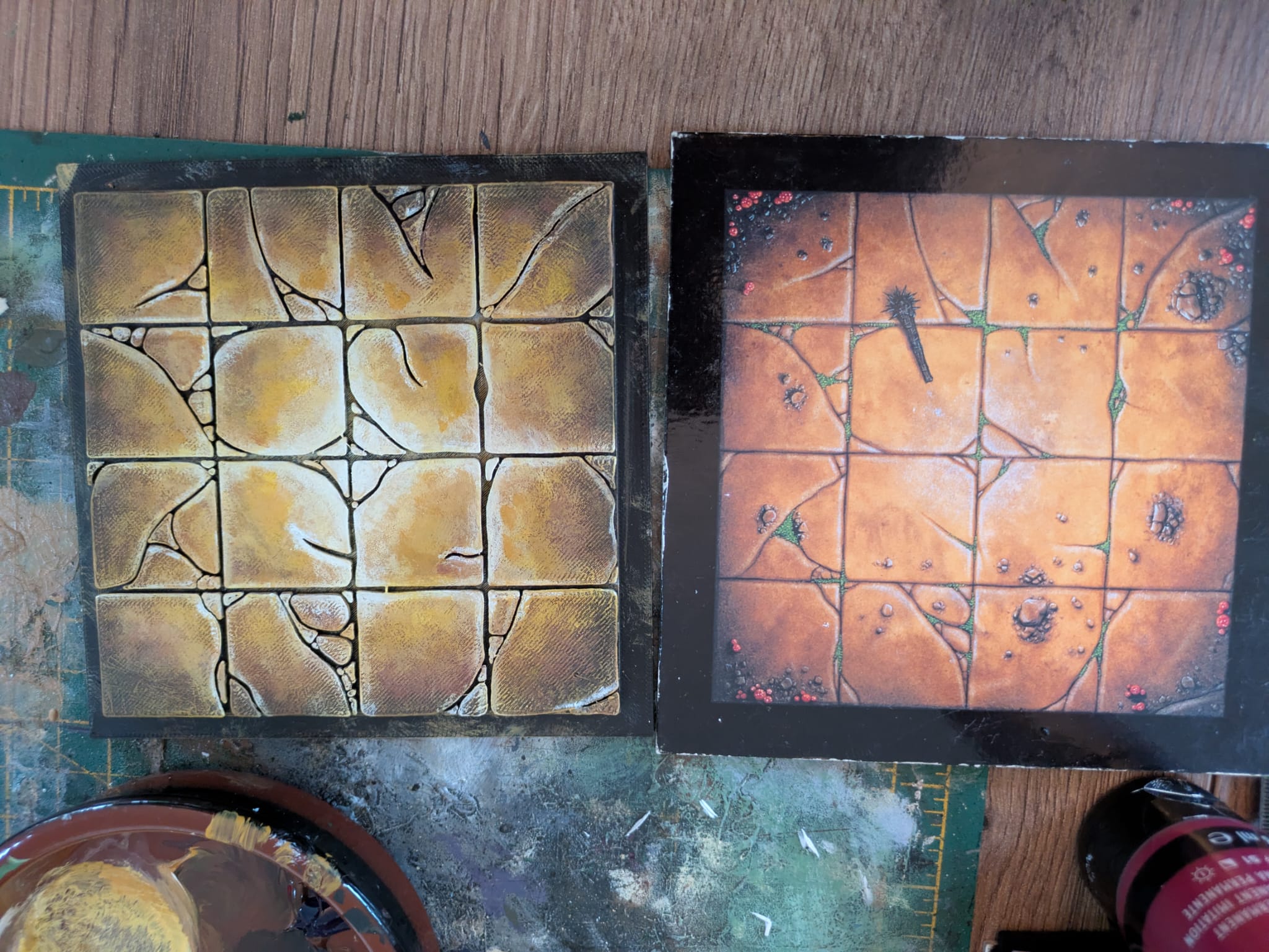 The Torture Chamber was one of those board sections with weapons and bits on that I chose to leave out in the design stage. Now it's painted it's a bit clearer which room is which!
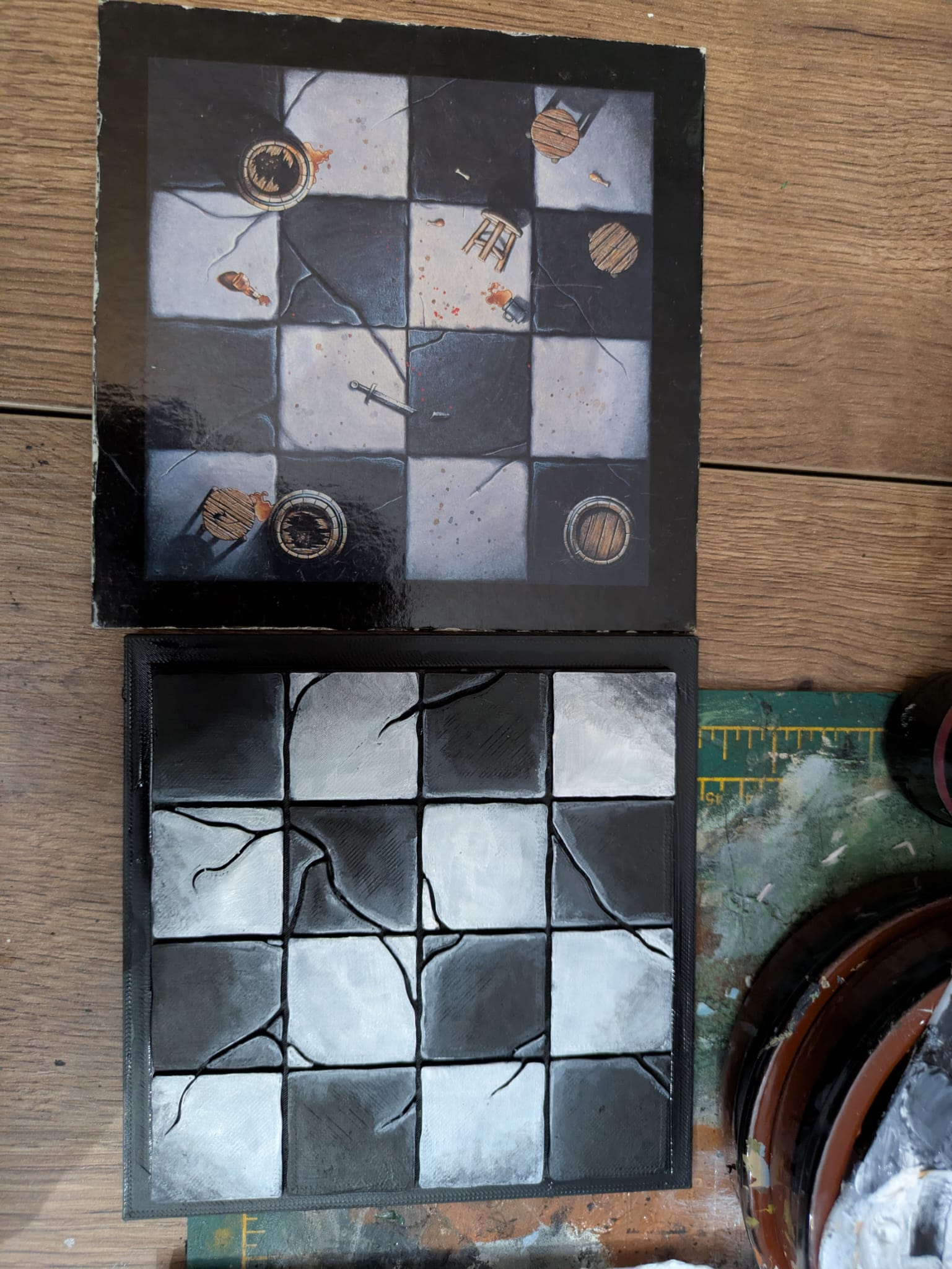 Replicating the chequer board pattern for the Guard Room was actually quite a challenge - black and white and tones of grey for highlight and shade took more fiddling with than I thought to get right!
 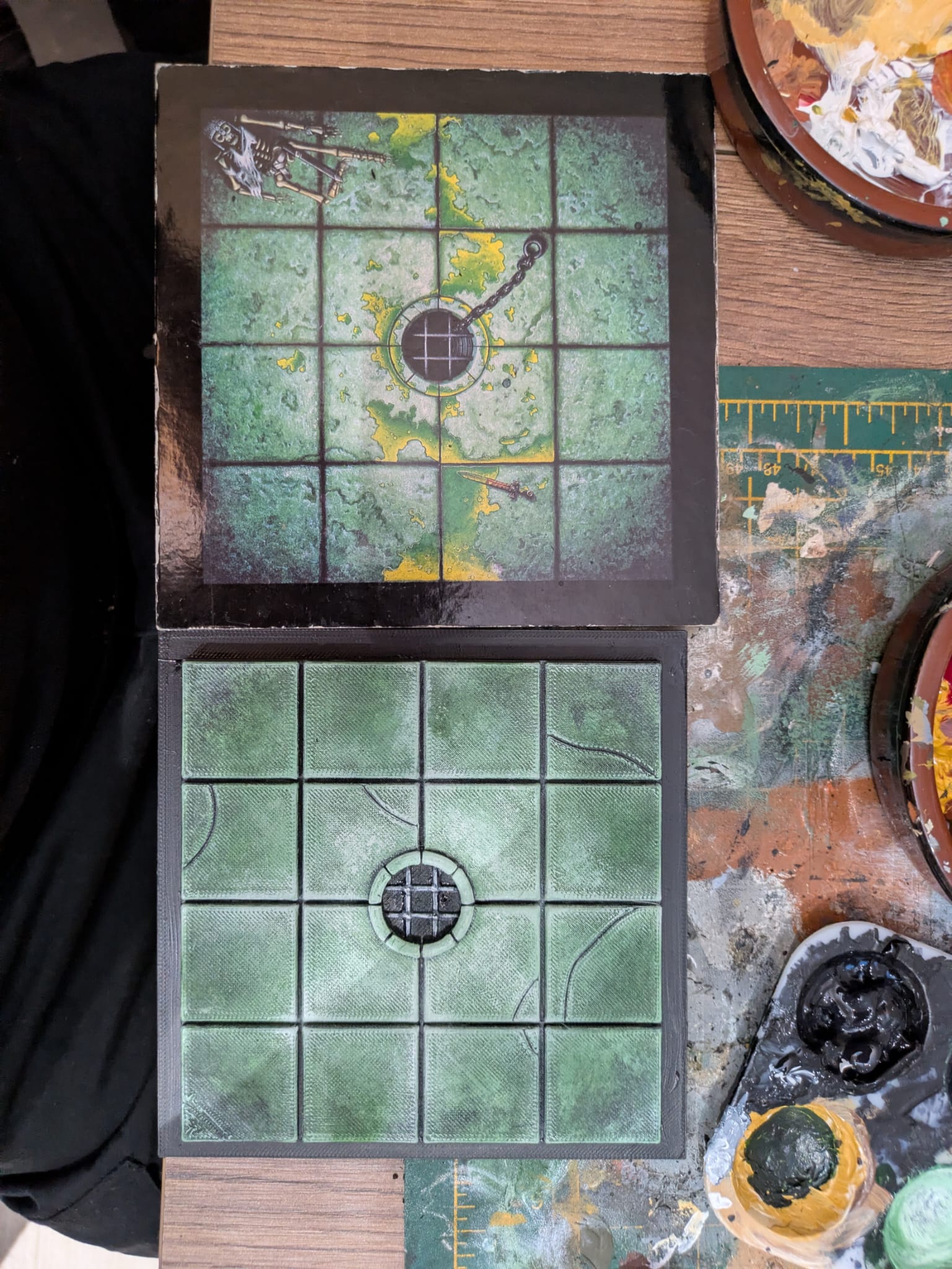 The Well of Doom
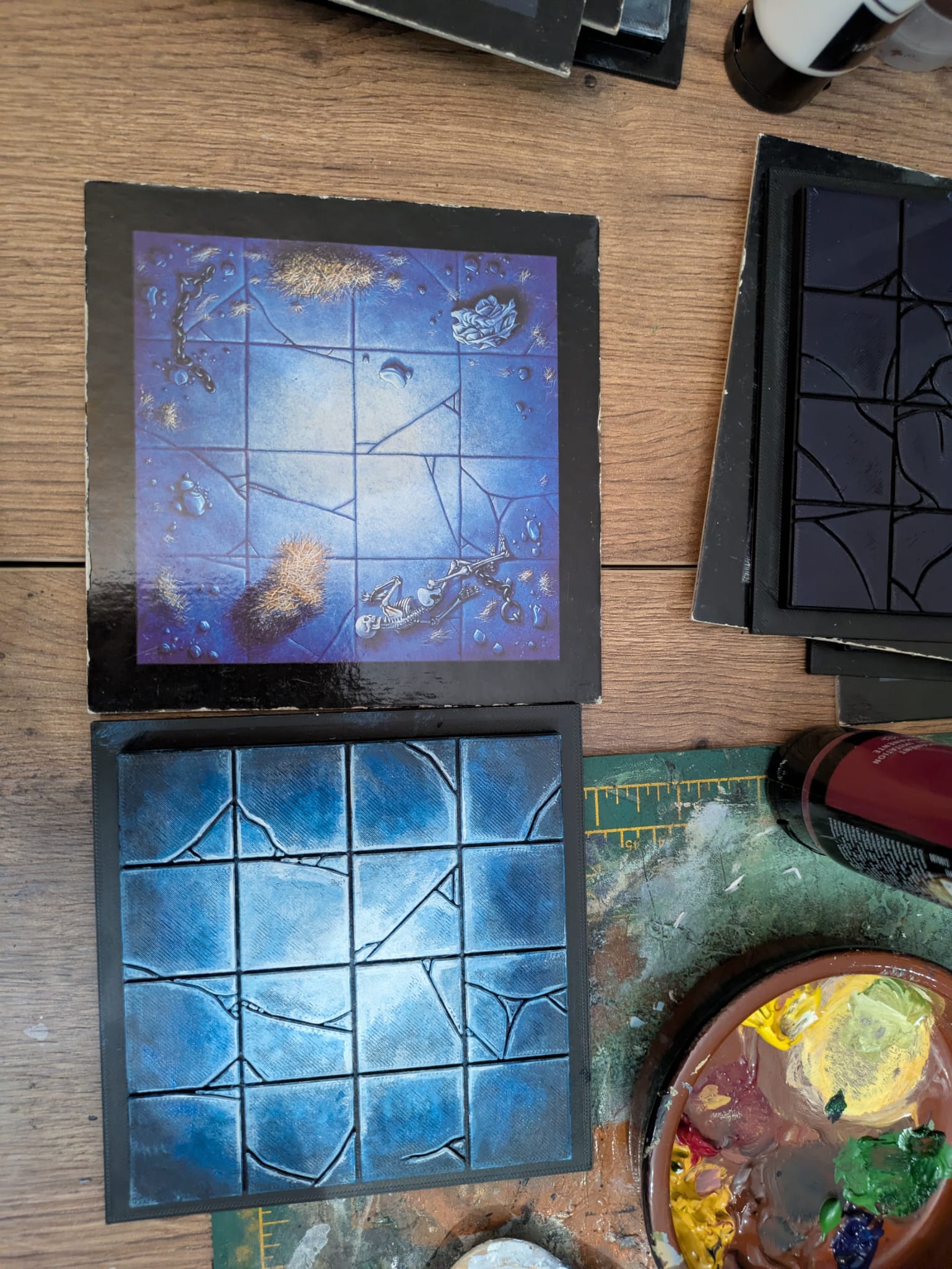 The Dungeon Cell
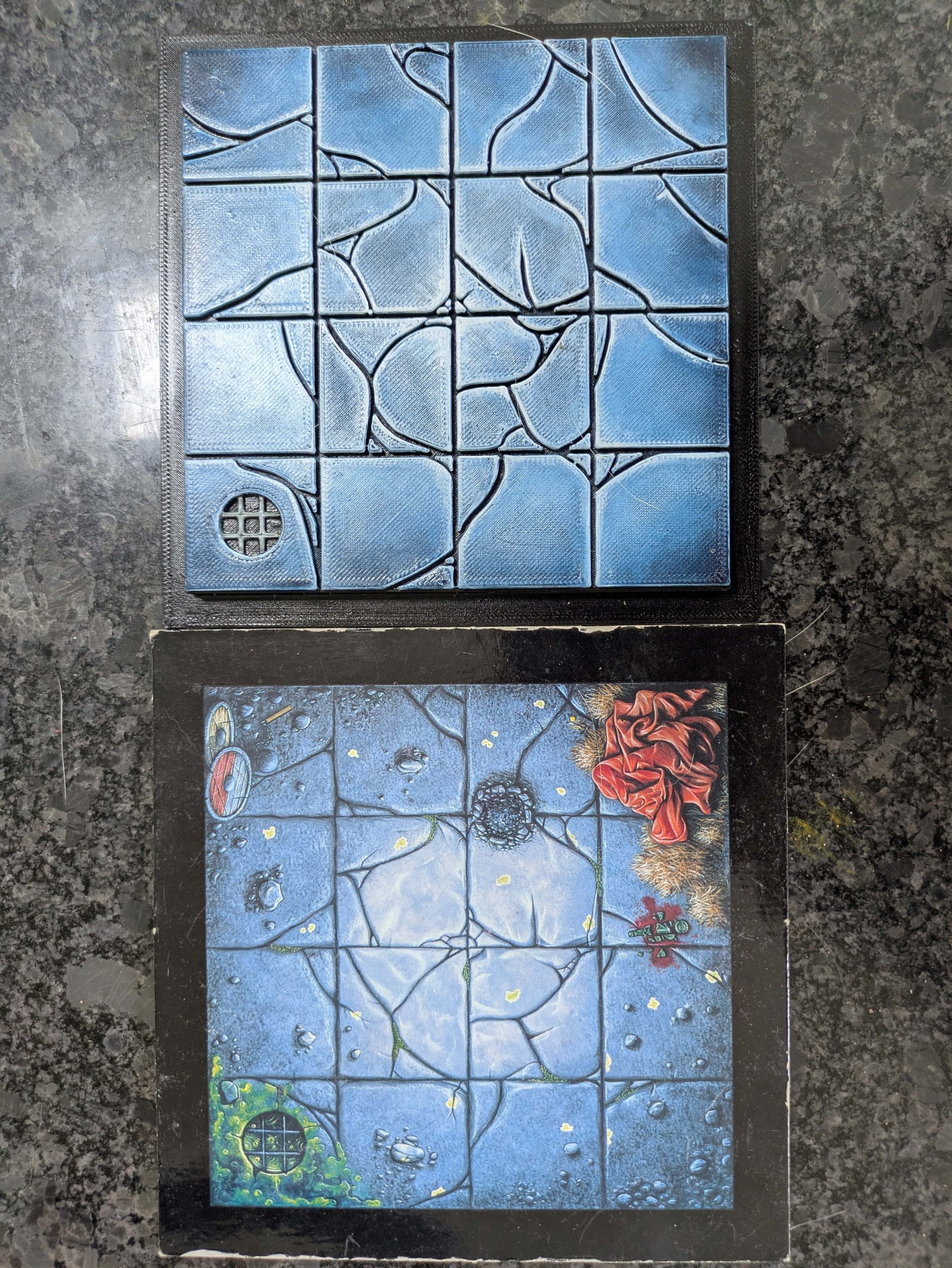 The Monsters' Lair
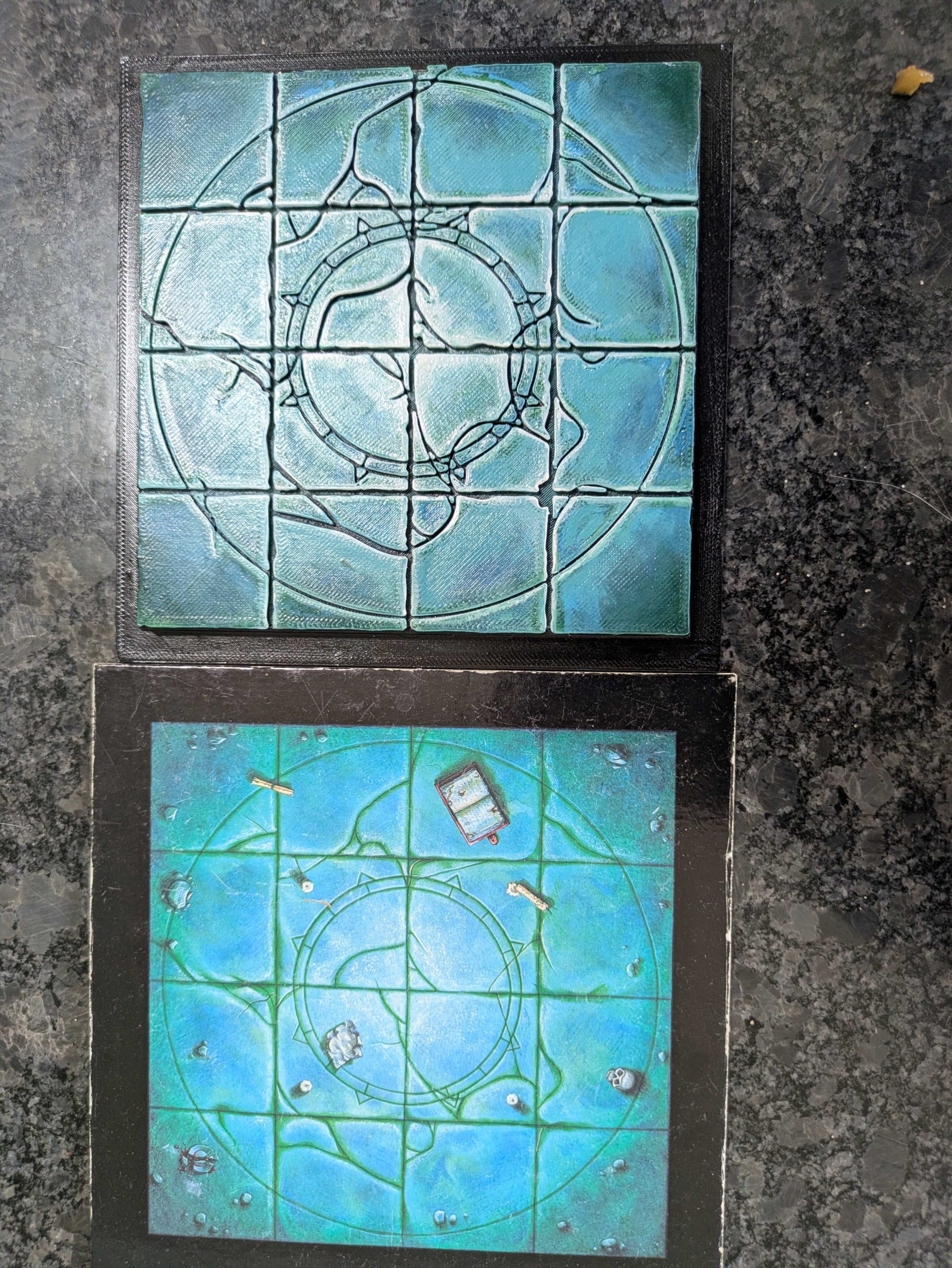 The Circle of Power - struggled with the very bright green/turquoise colouring of this so i might re-visit it later
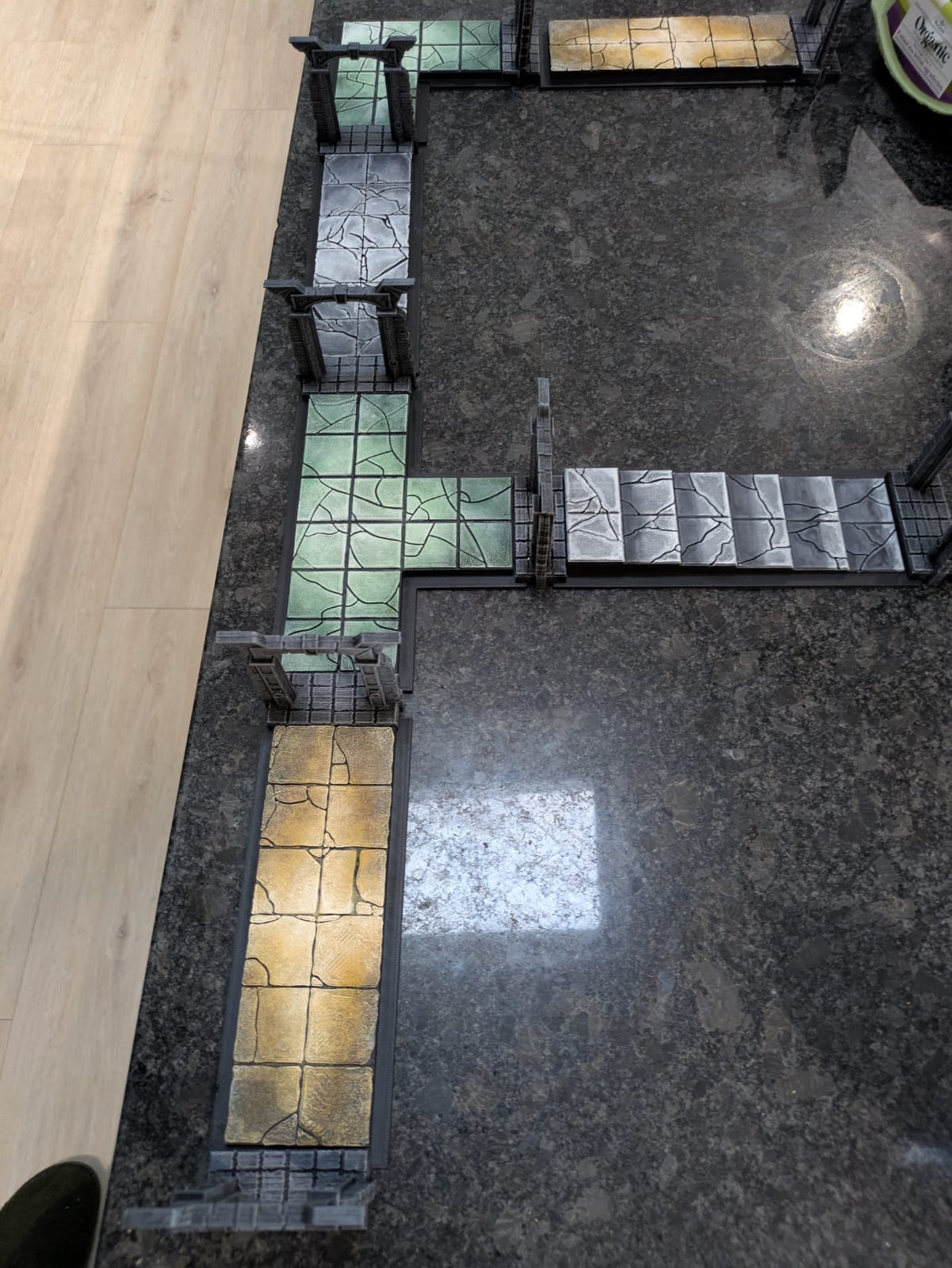
PAINTING THE BOARDS: CORRIDOR SECTIONS
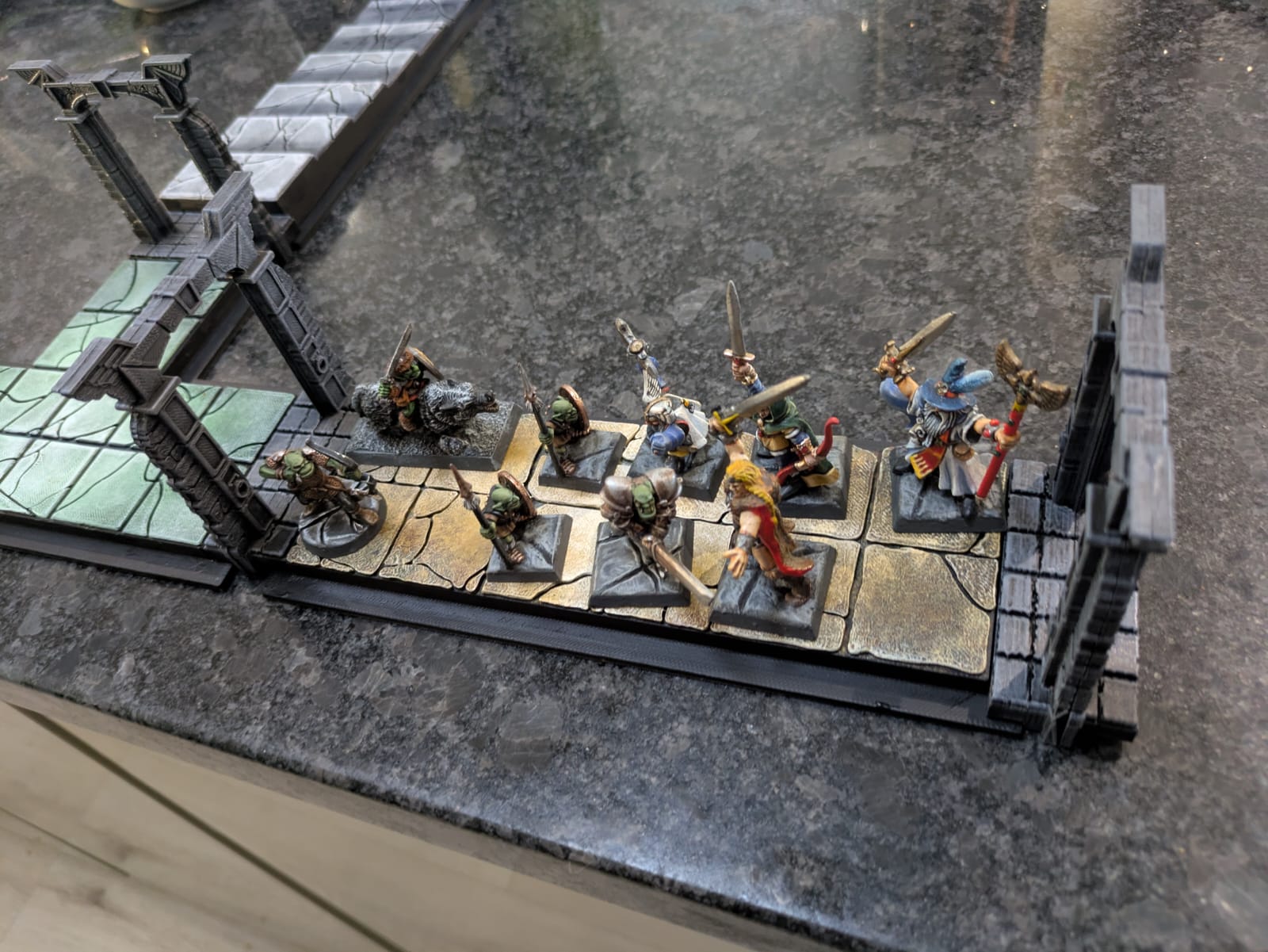
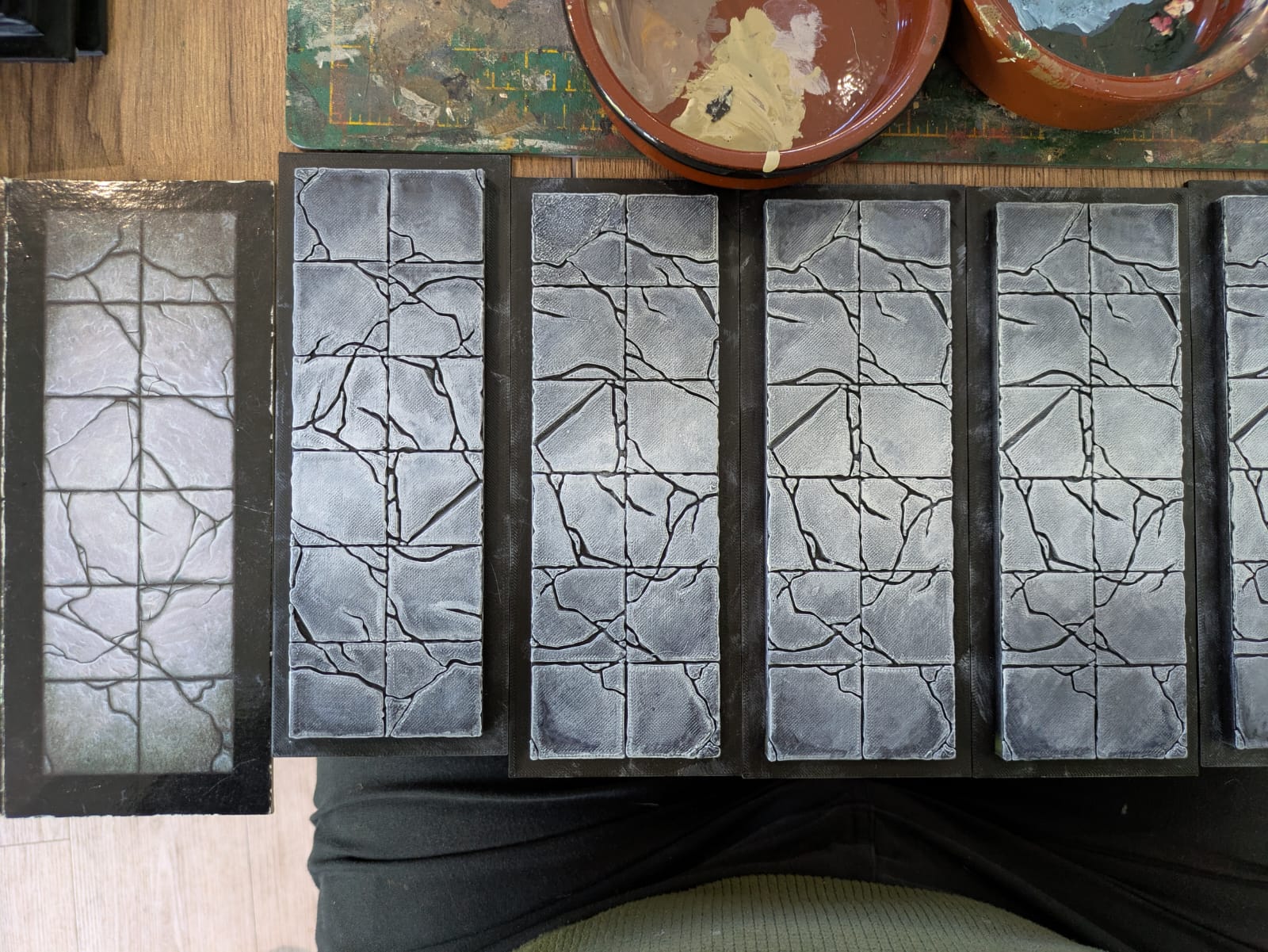 I was torn between unifying the dungeon sections with a single colour scheme, or going with the classic '95 bright tiles. After hardly any deliberation I went with trying to stay true to the original board sections
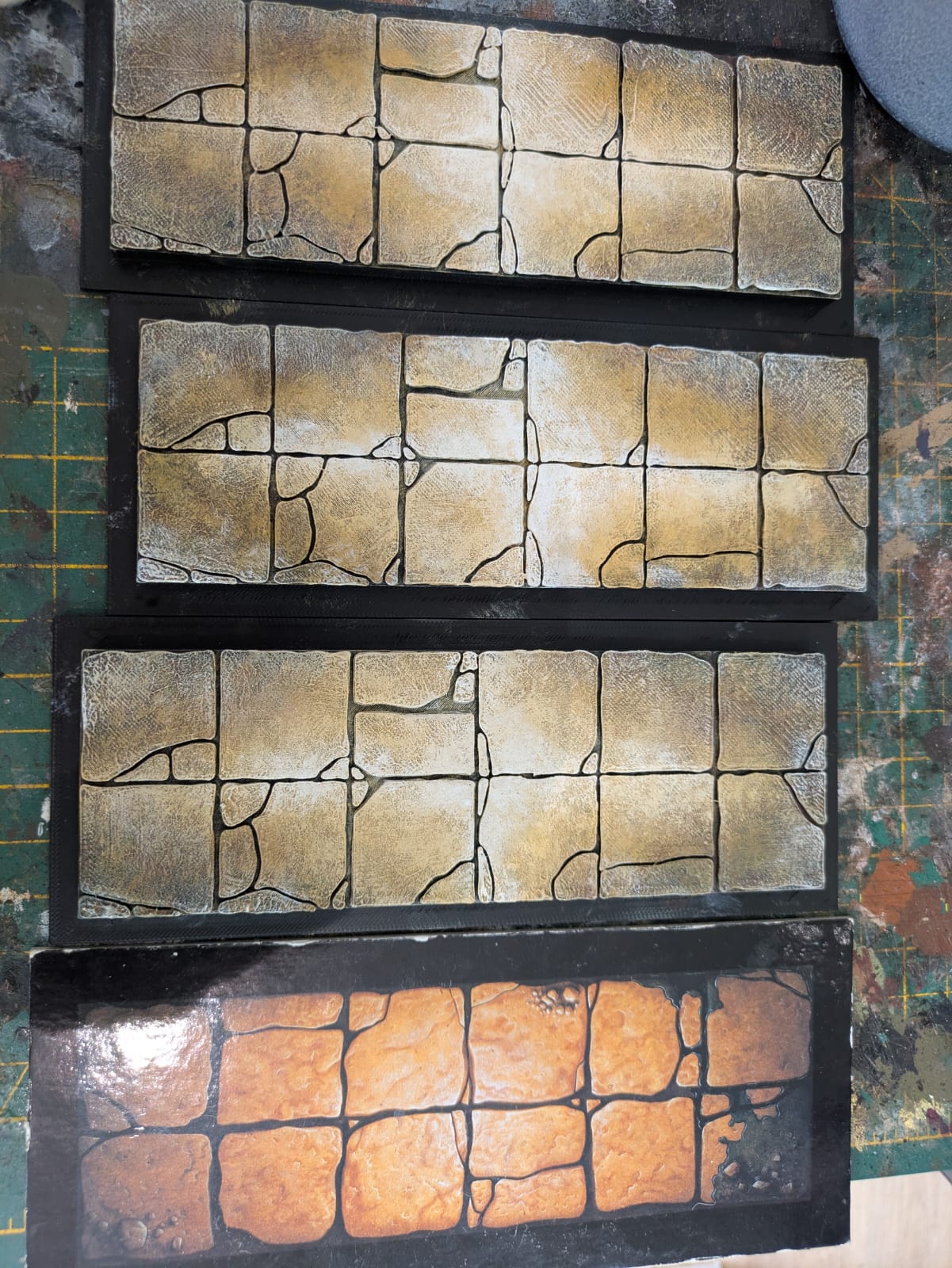 I used artists acrylics for base coats and some dry brushing, then a few Citadel inks for shading. I picked out highlights with Vallejo model colour paints
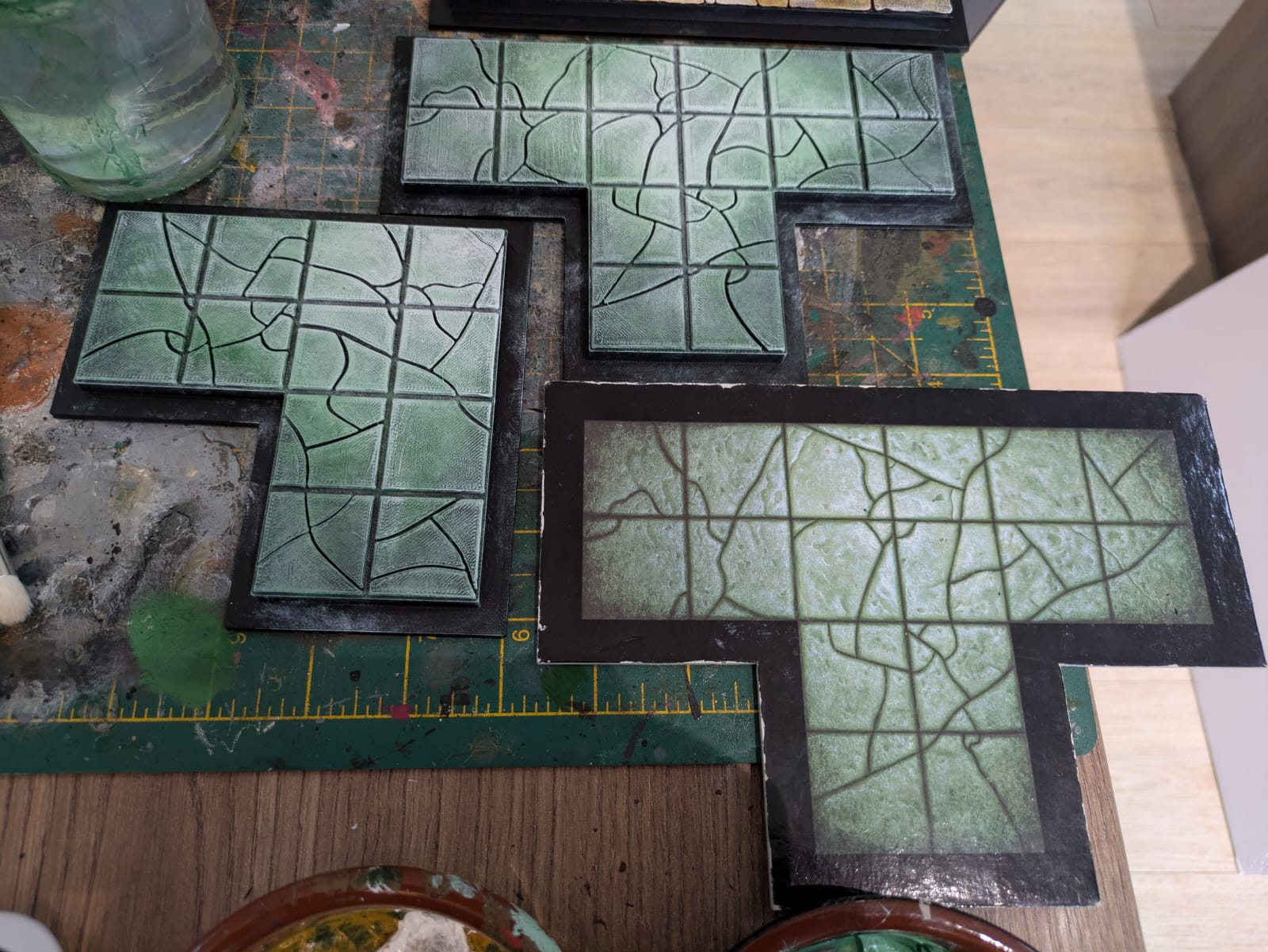 The green was a bit of a challenge - I wasn't sure if white highlights would work or make it look too "minty"
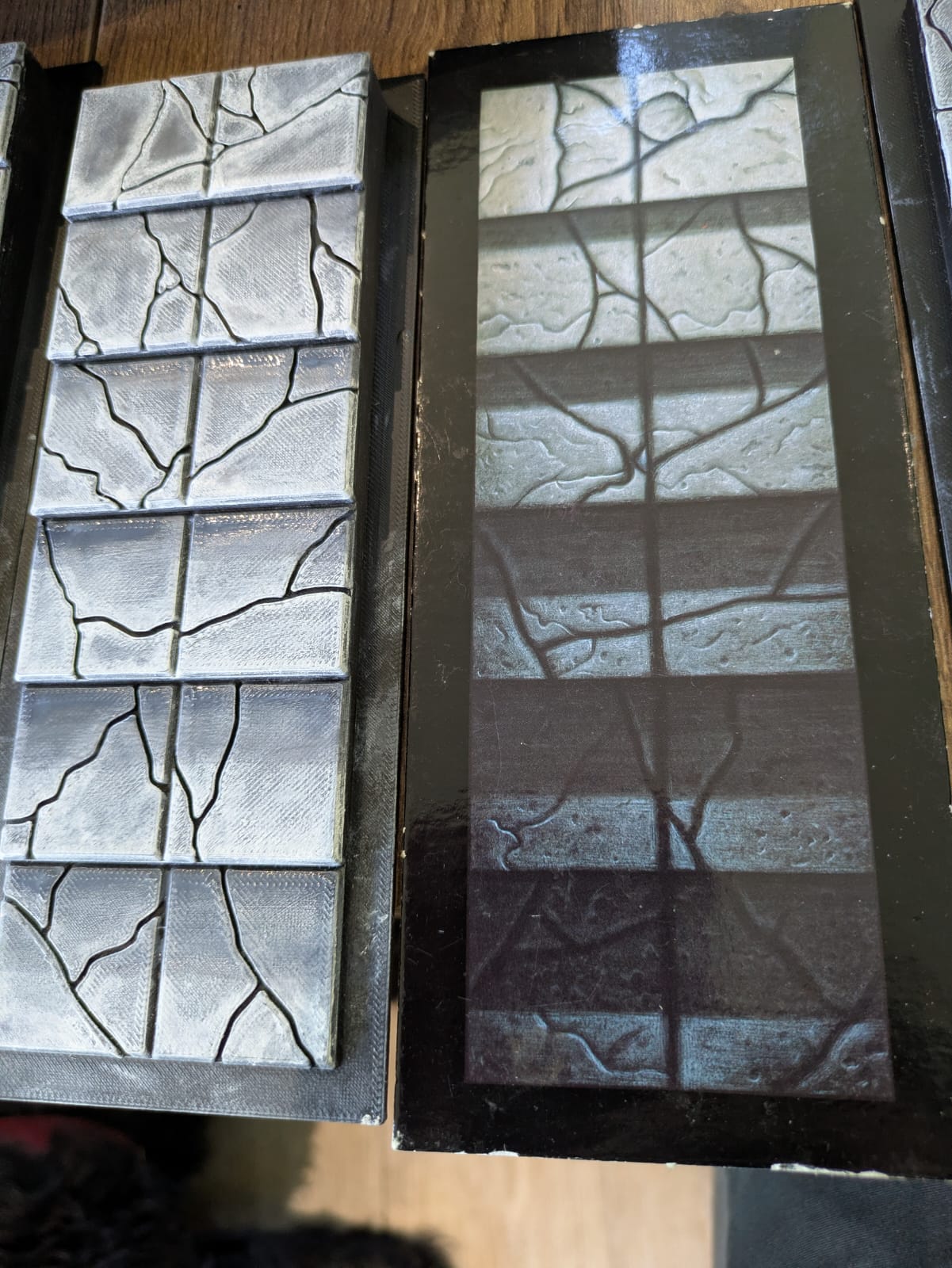 being as I'd played fast and loose with the levels, I added a touch of shading on the stairs to match the original tiles
PRINTING THE BOARDS
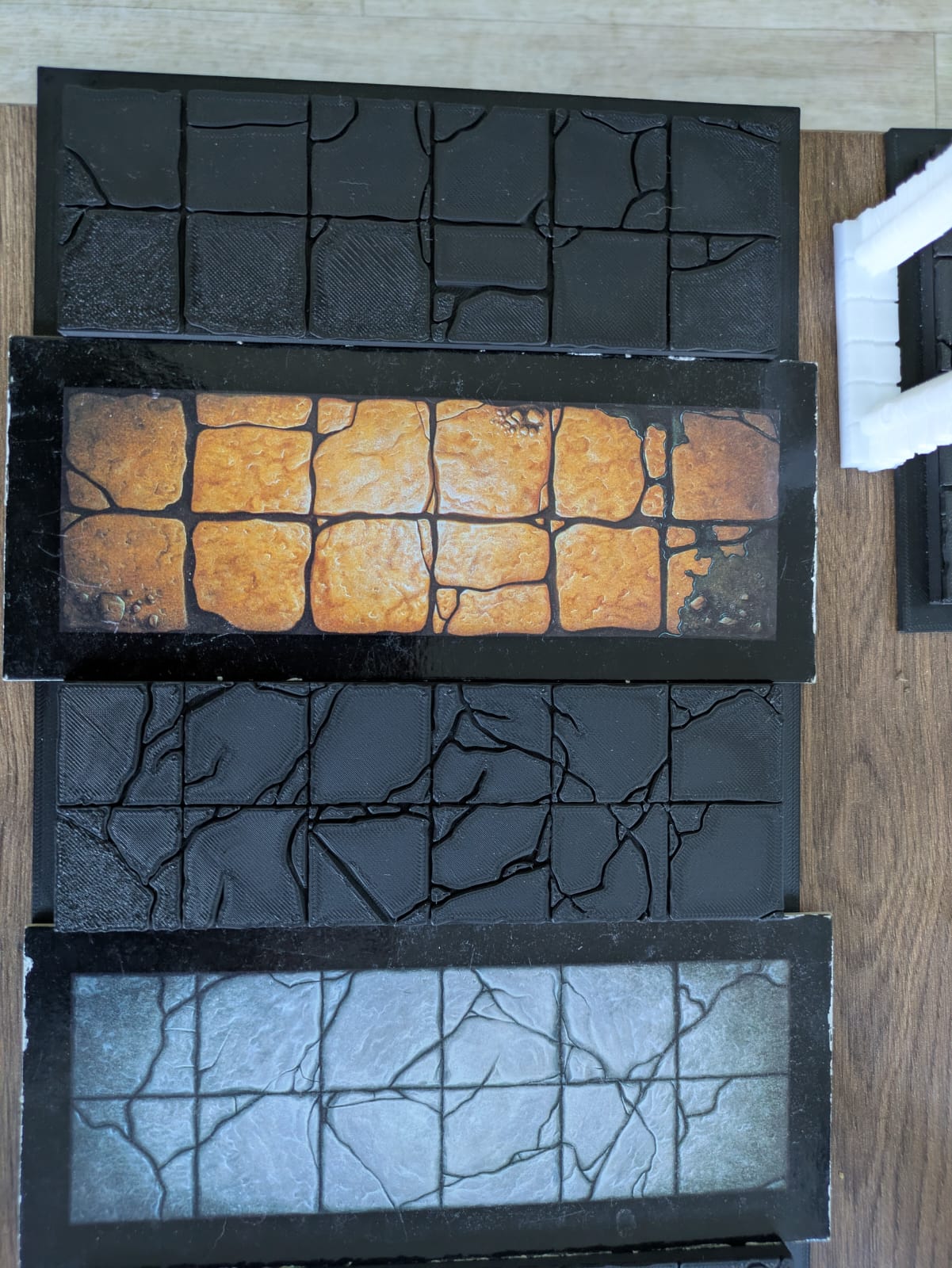 The corridors were the first to print - no errors or adjustments needed!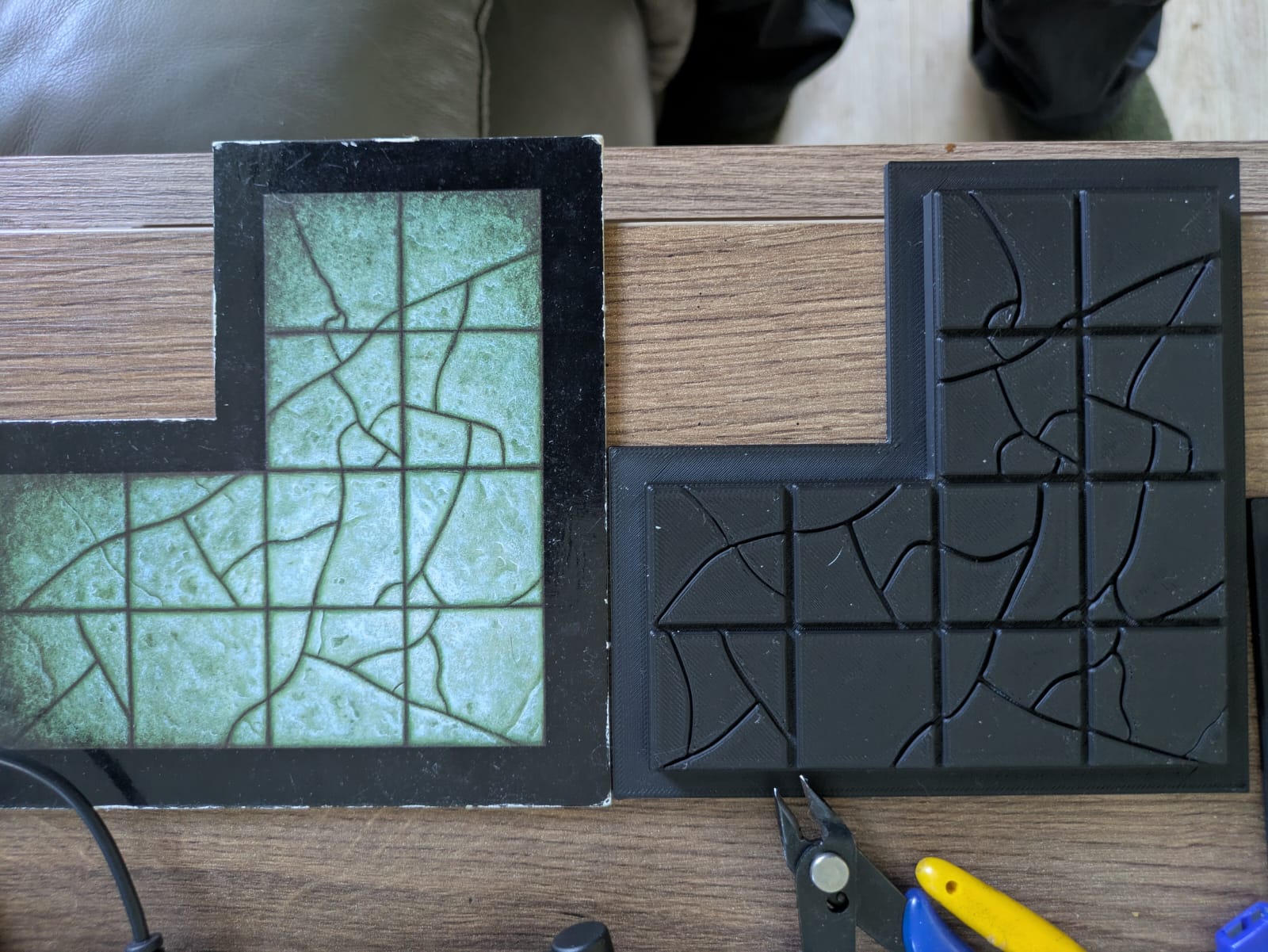
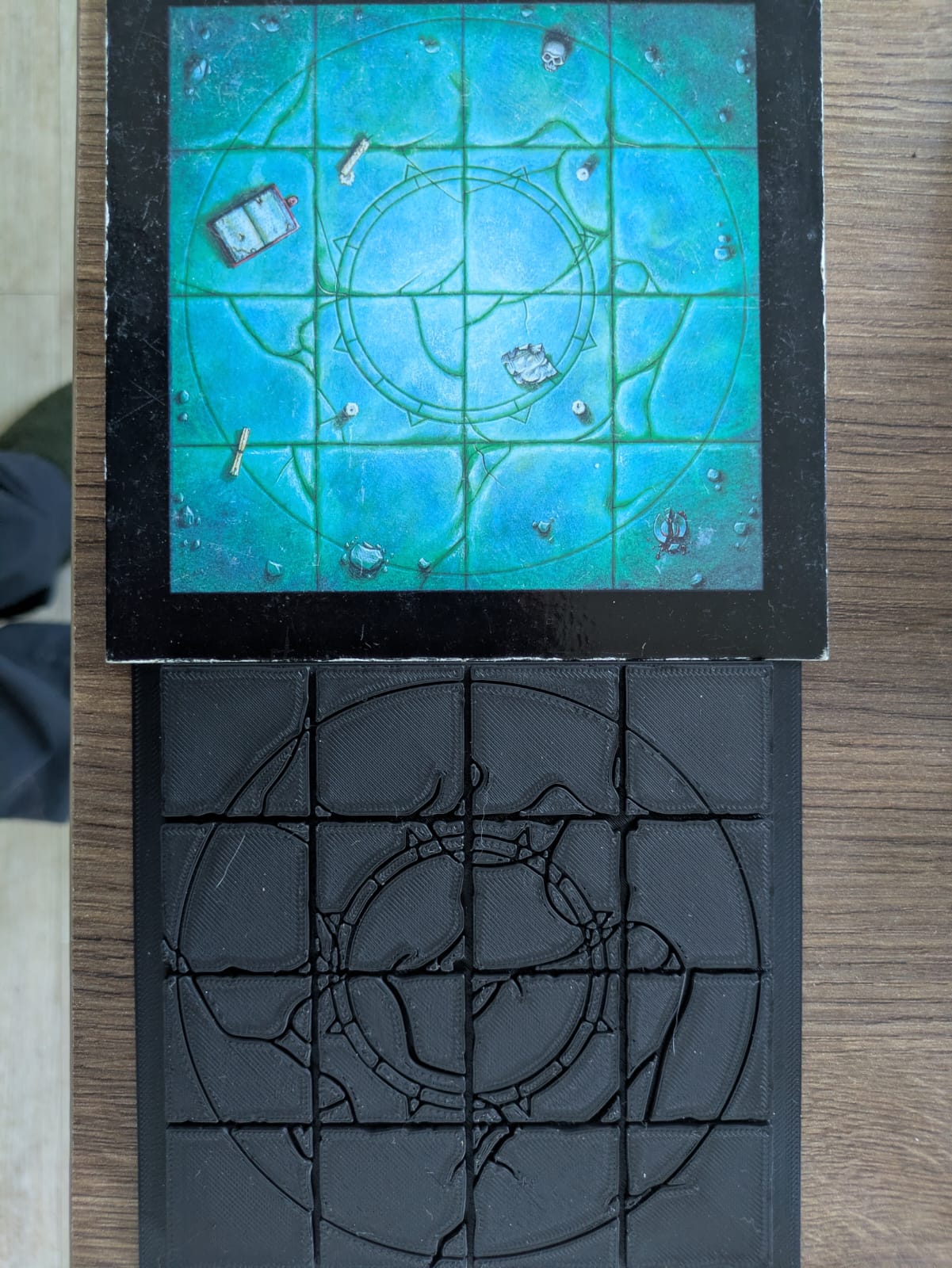 The room tiles needed a bit more attention - the thickness of the lines needed amending to make some details clearer, especially with the circle here
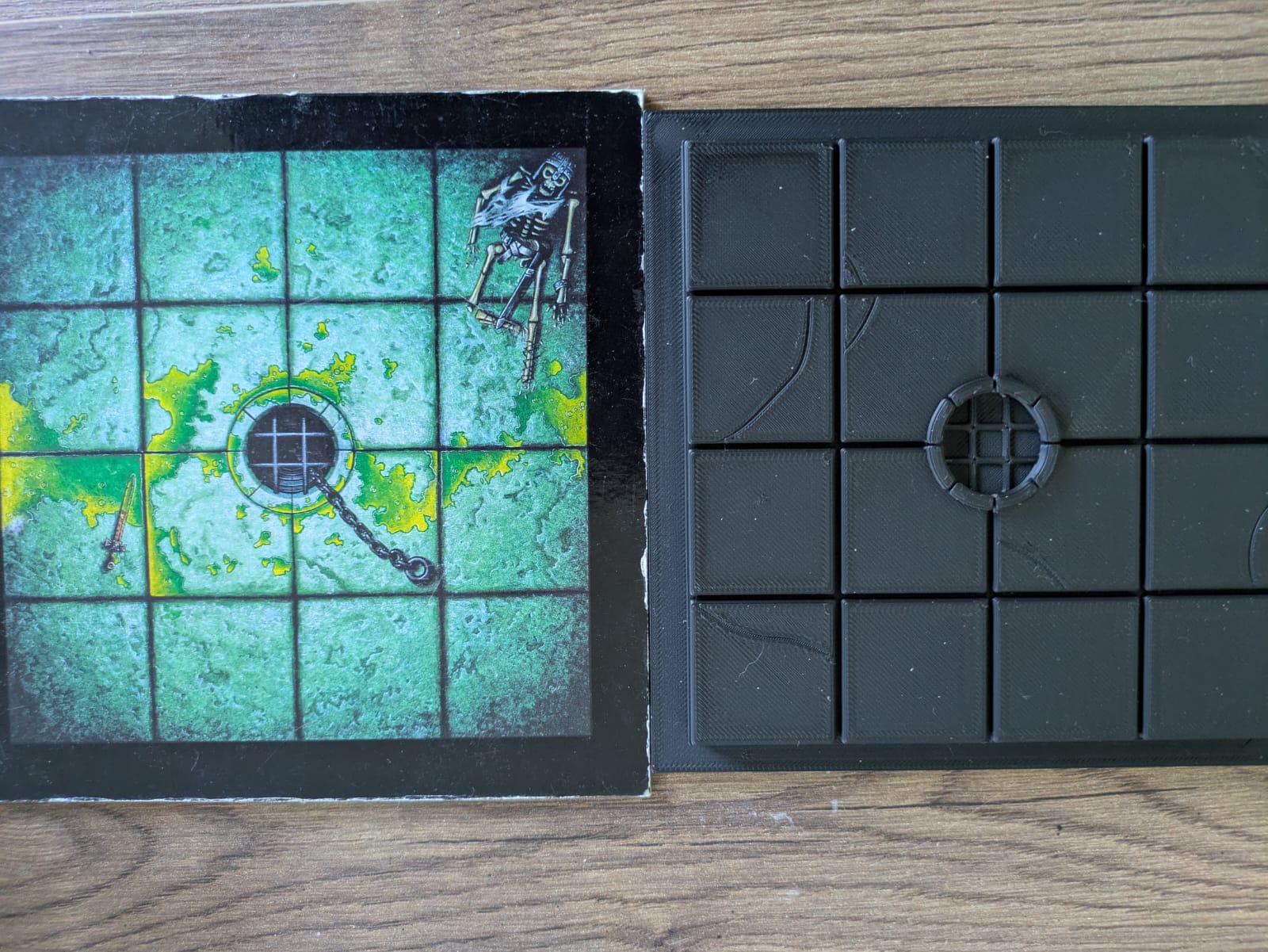 I raised the rim of this well initially, but have since modified the STL so that it's flush with the squares so I don't get wobbly miniatures
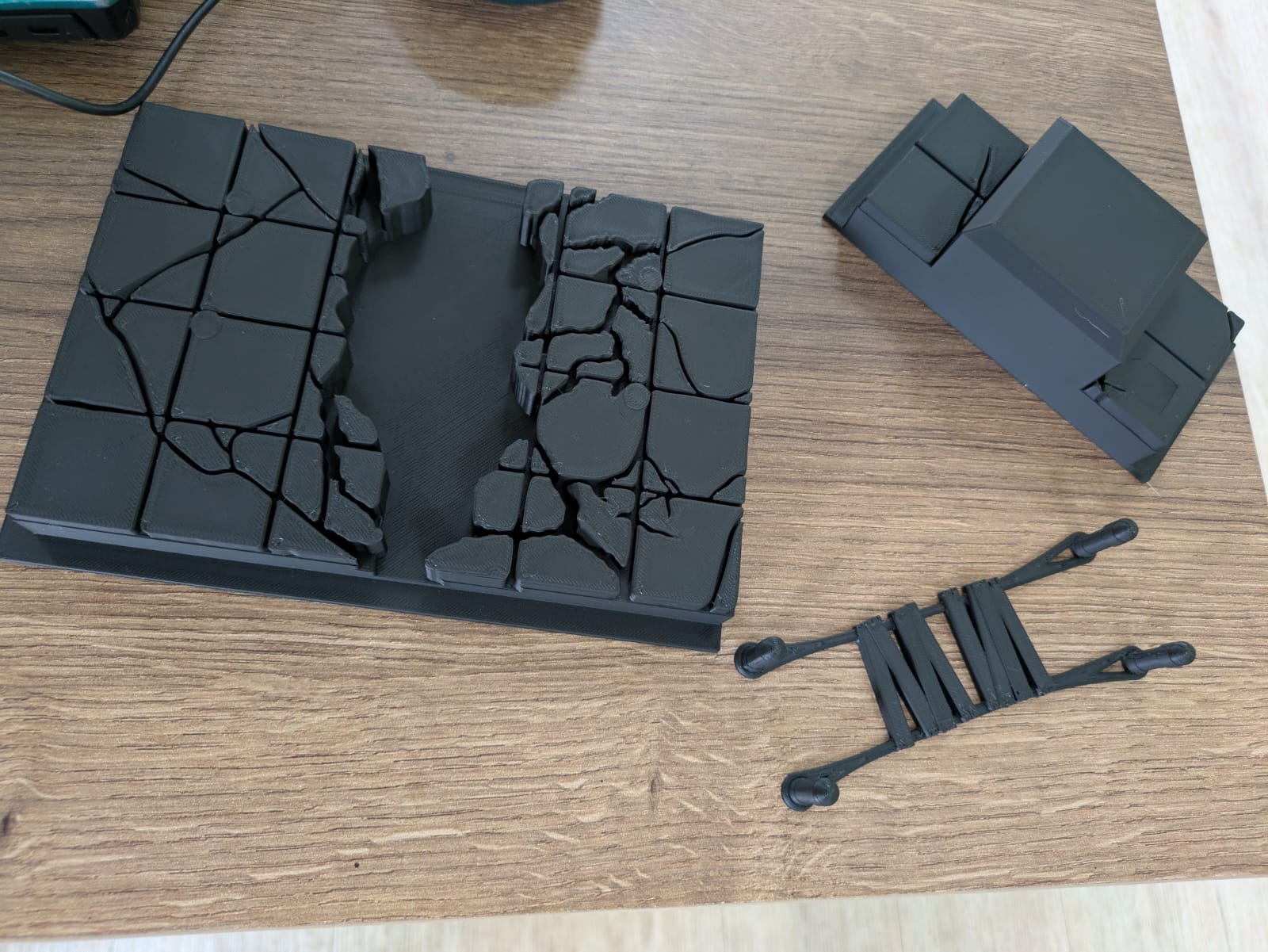 The Fire Chasm printed in sections nicely
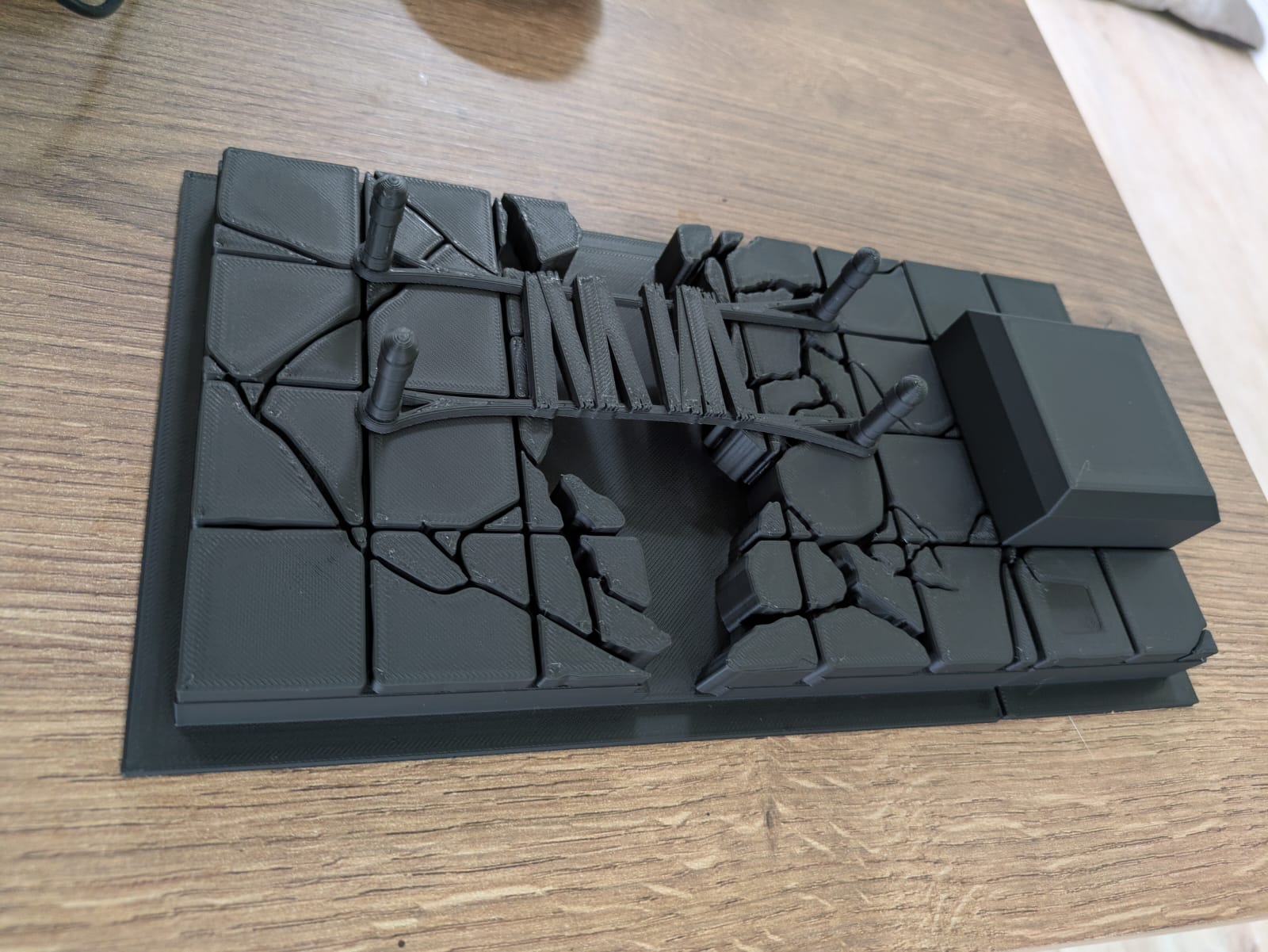 And fitted together exactly as I had hoped. I toyed with gluing the bits together, but on reflection separate bits will be easier to store
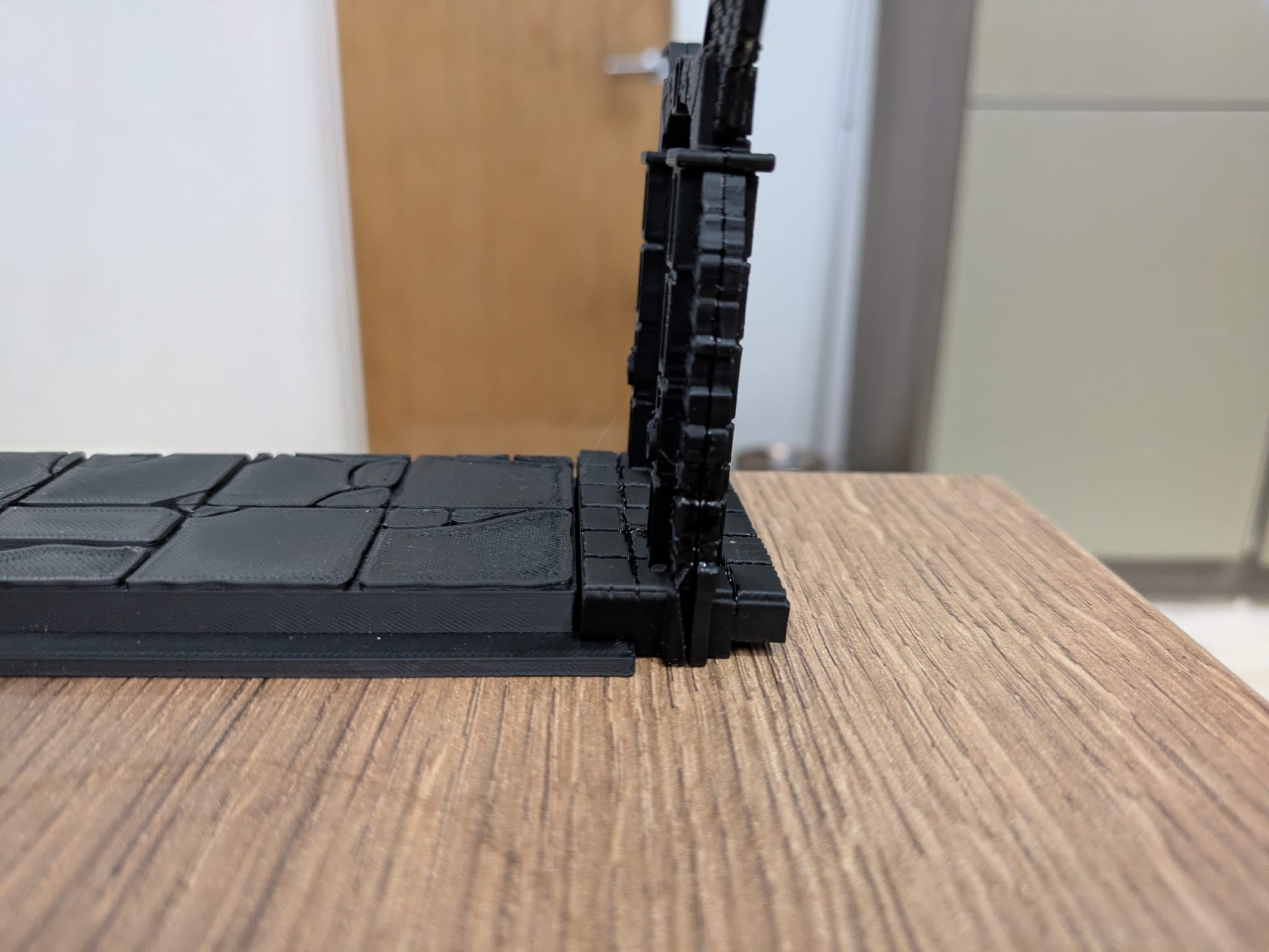 The lips on my doorways sit nicely on the rims around my tiles
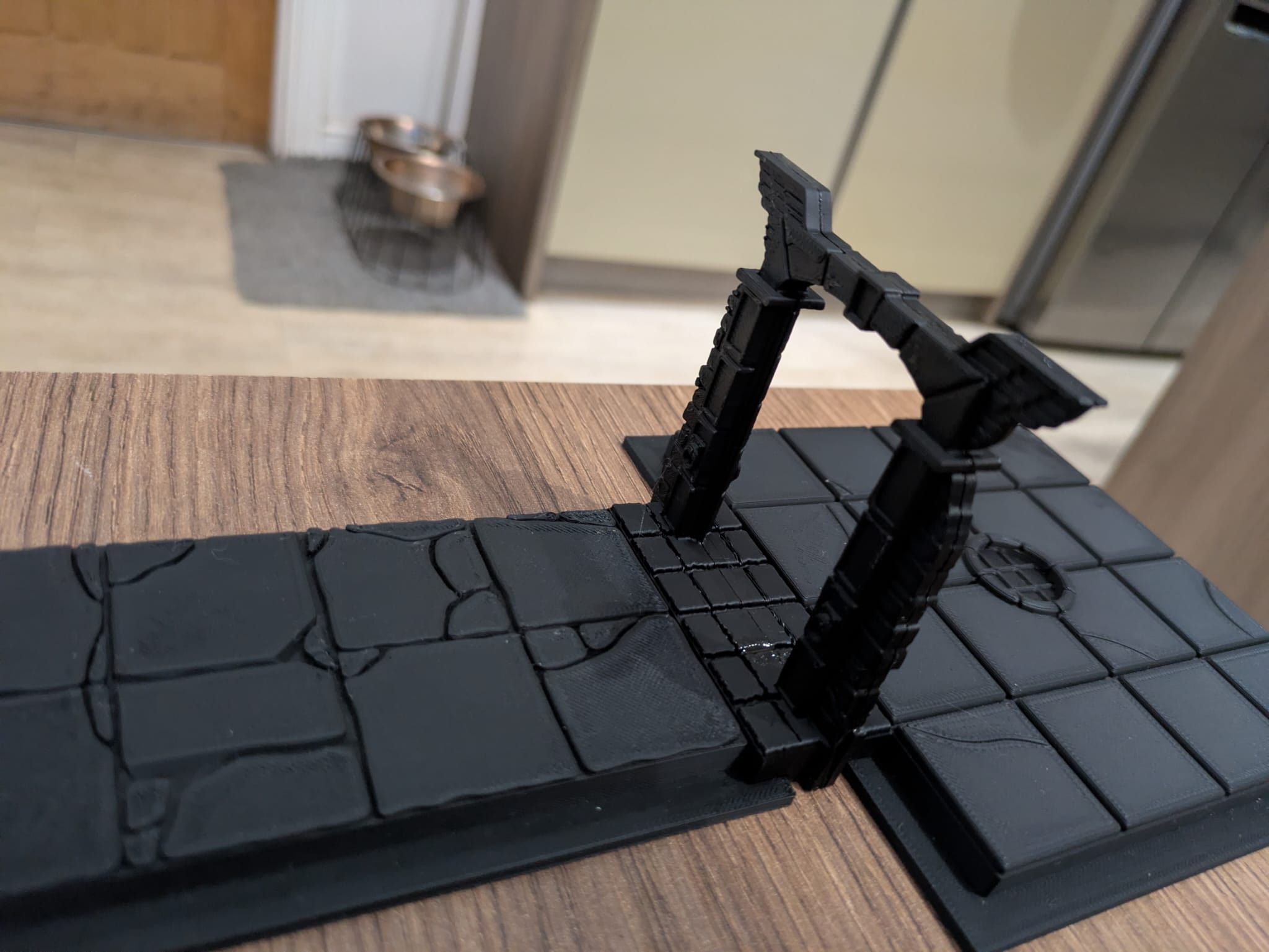 I might revisit the stone slabs on the base of my doorways to bring them in line with the other board setcions
DESIGNING THE BOARD SECTIONS: DOORWAYS
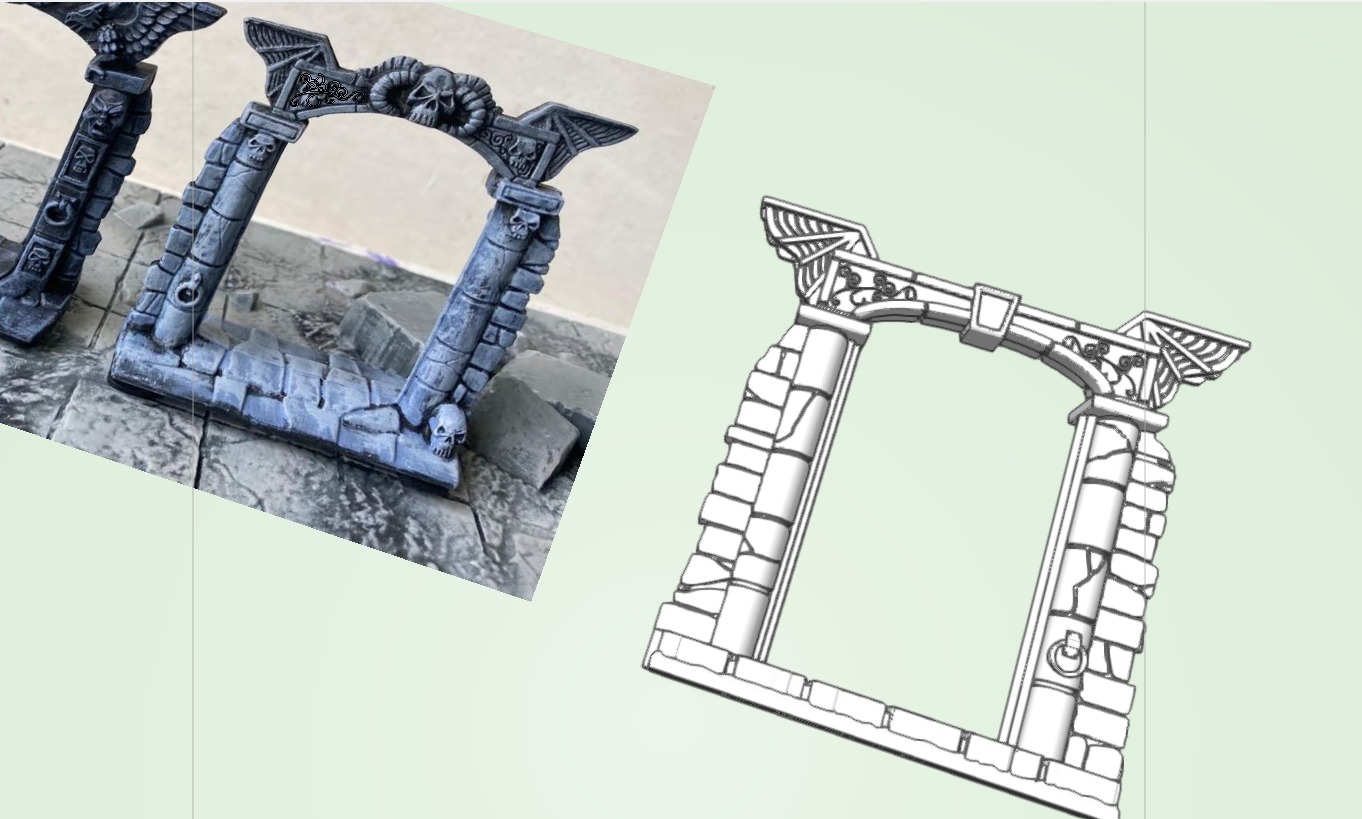 The original door sections have slots for the card board sections to slide into, but I had to design them differently, with a lip to fit over but board section rim. I would have to create the in 2 halves, then glue them together later for the best quality print. I also had to stick to architectural forms - skulls are just a bit beyond my skills at the moment!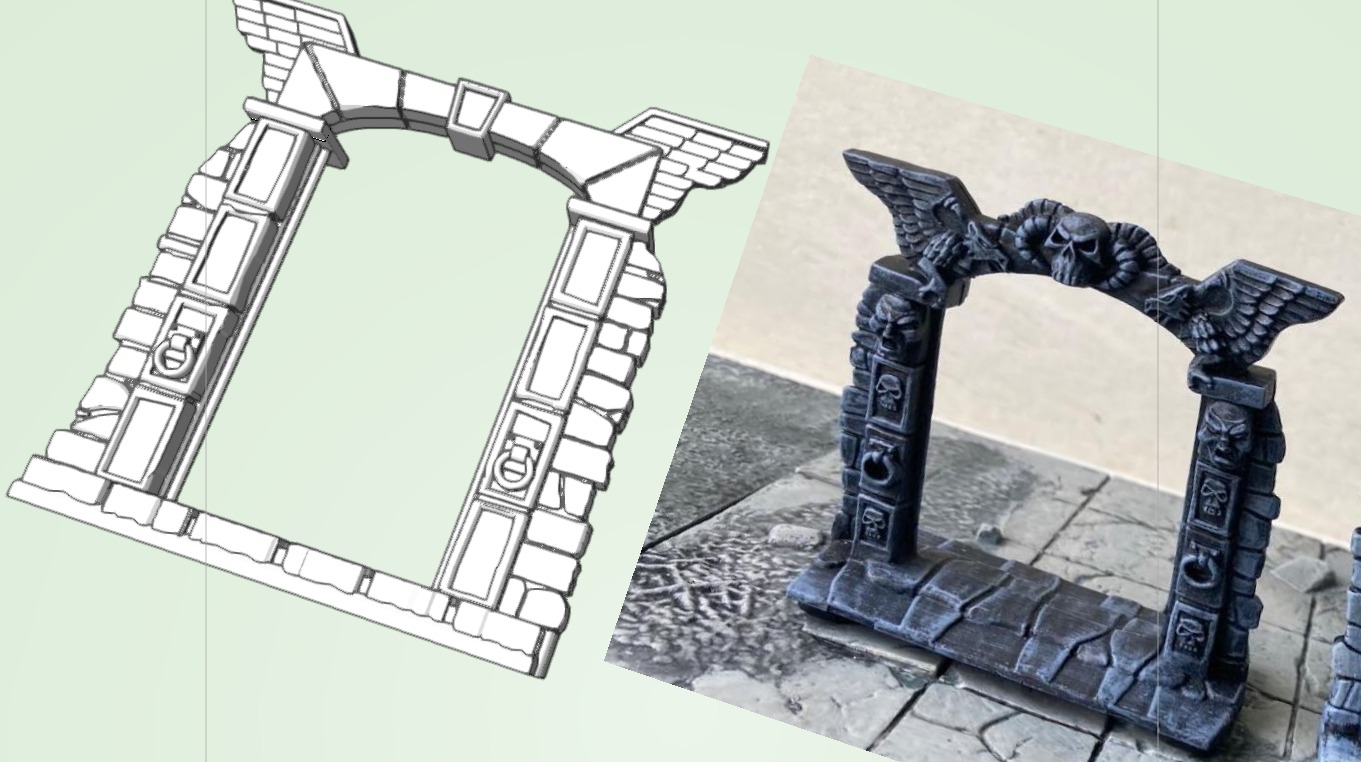
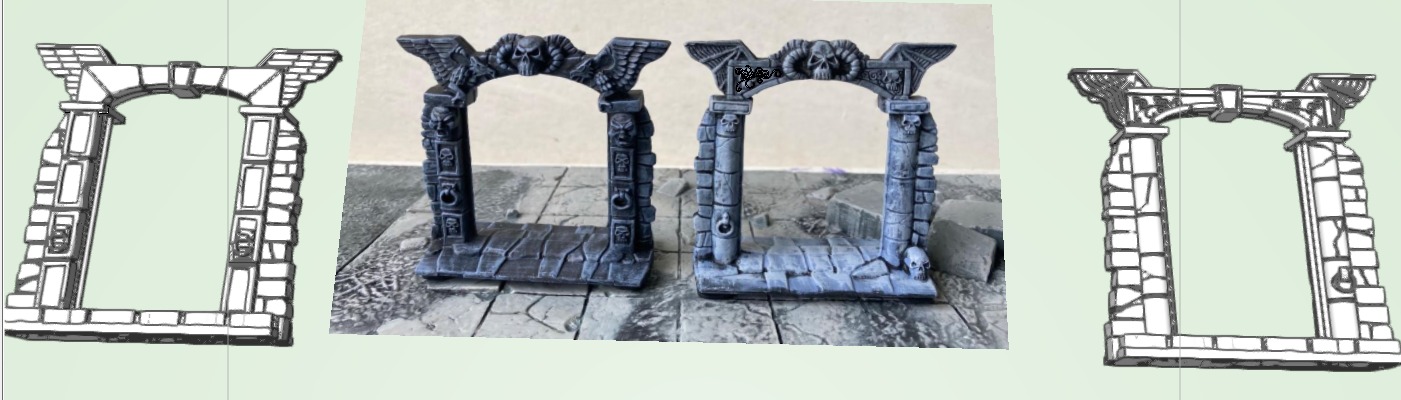 I had to do a few test prints with these to be sure they would work, then tweak the bases accordingly
DESIGNING THE BOARD SECTIONS - OBJECTIVE ROOMS
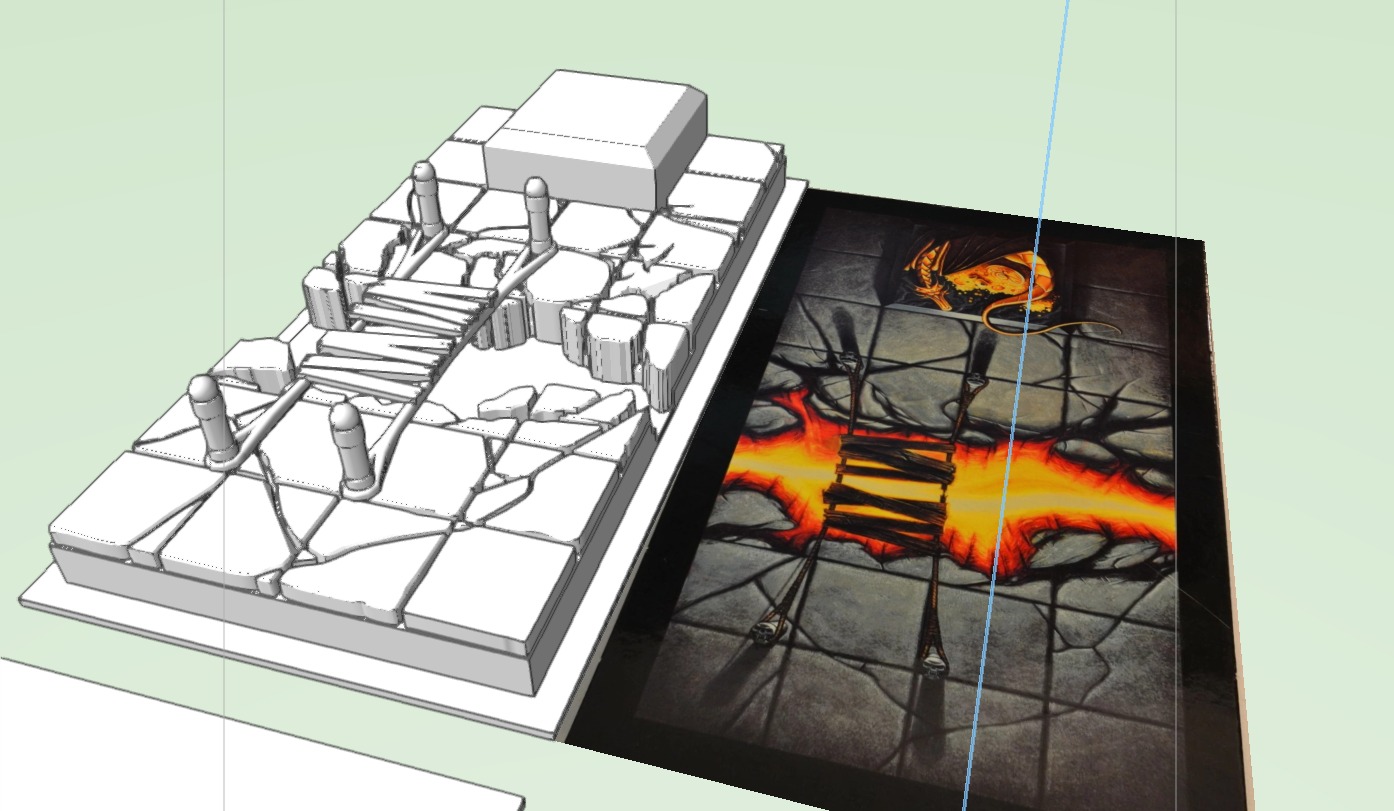 The Objective Rooms presented a bit of a challenge. Not only did the Fire Chasm have a huge chasm in it, there was also a bridge and a golden dragon figurine on a plinth. I had to be mindful of designing the board at the right level to create a chasm, and had to design the bridge separately so it could be printed in one piece and without supports. It's also beyond the scope of Vectorworks to make a dragon! This meant looking around for a suitable proxy miniature at a later date. The other issue was the size - my print bed is only 200mm square, so I had to decide where to cut my Objective Rooms so that I could print them in sections
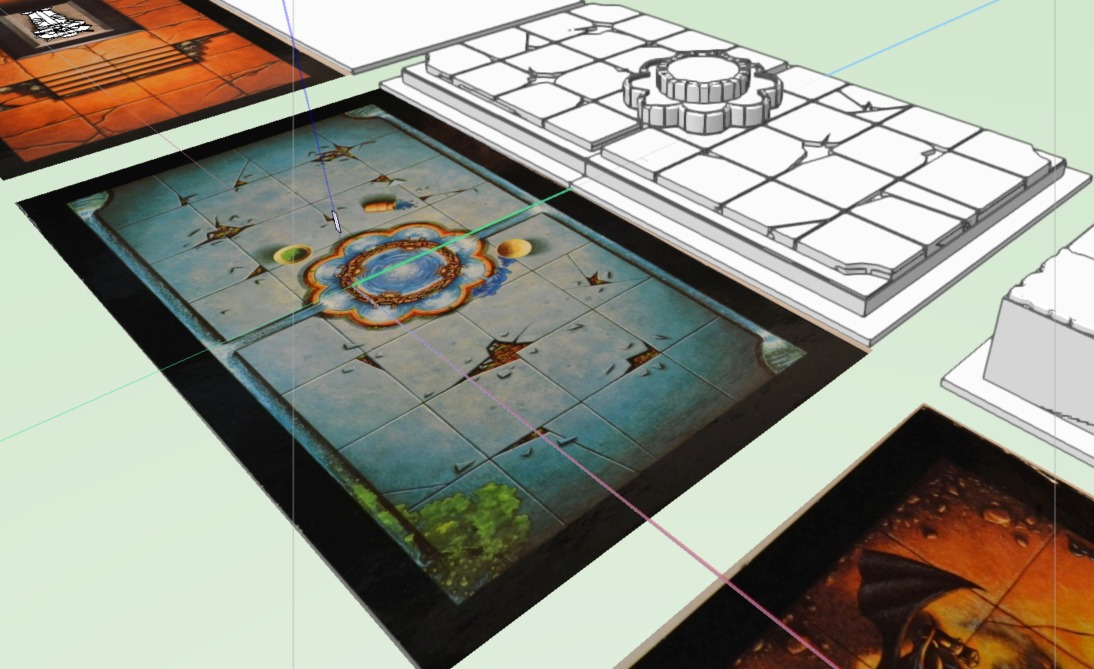 The Fountain of Light was a bit more straightforward, however the fountain presented a challenge as there is quite a bit of sculpted detail that I've had to ignore
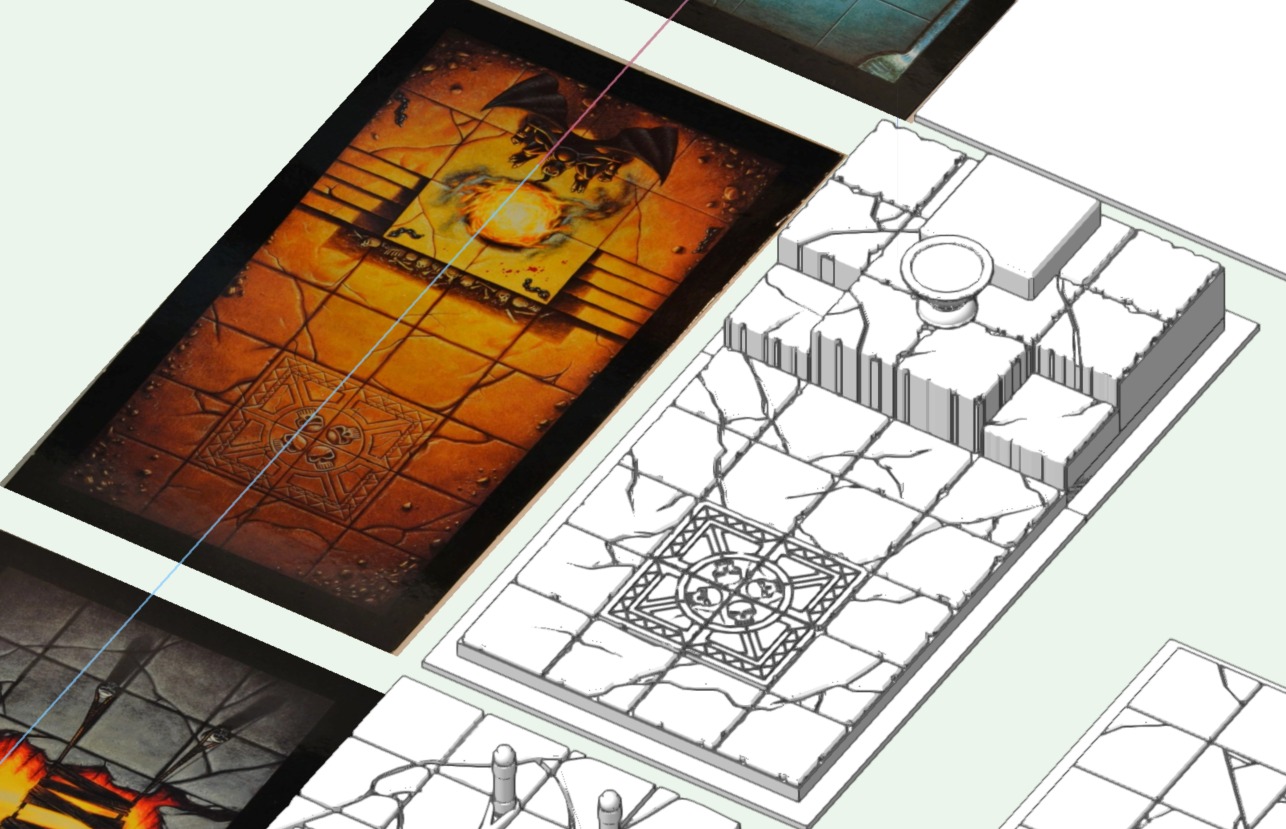 The Idol Chamber has stepped levels. I obviously couldn't replicate the steps on the boards as I needed a flat square for my minis to stand on
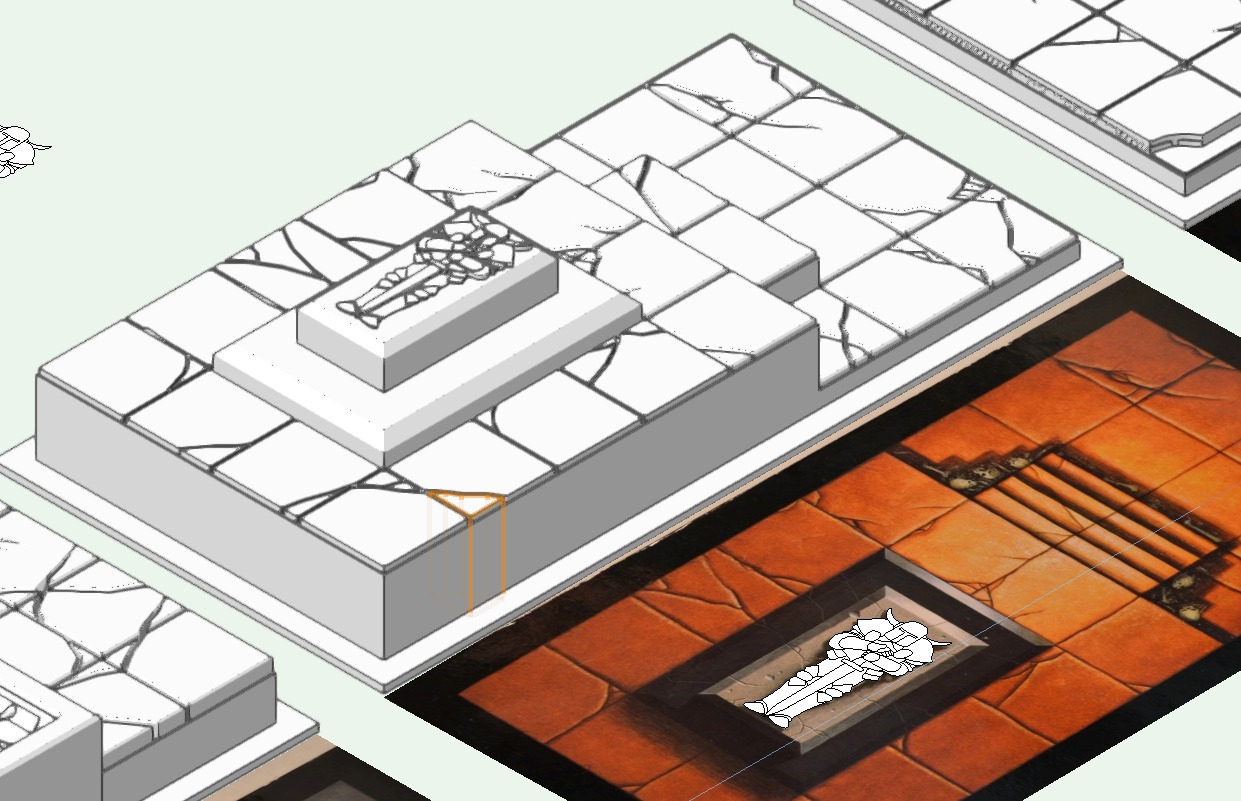 The Tomb Chamber has a figure on top of the Tomb, which I tried to replicate by drawing round and then extruding parts at different levels. it was quite tricky and took a lot of time, but the end result gave me a slightly raised character that I could pick out when painting
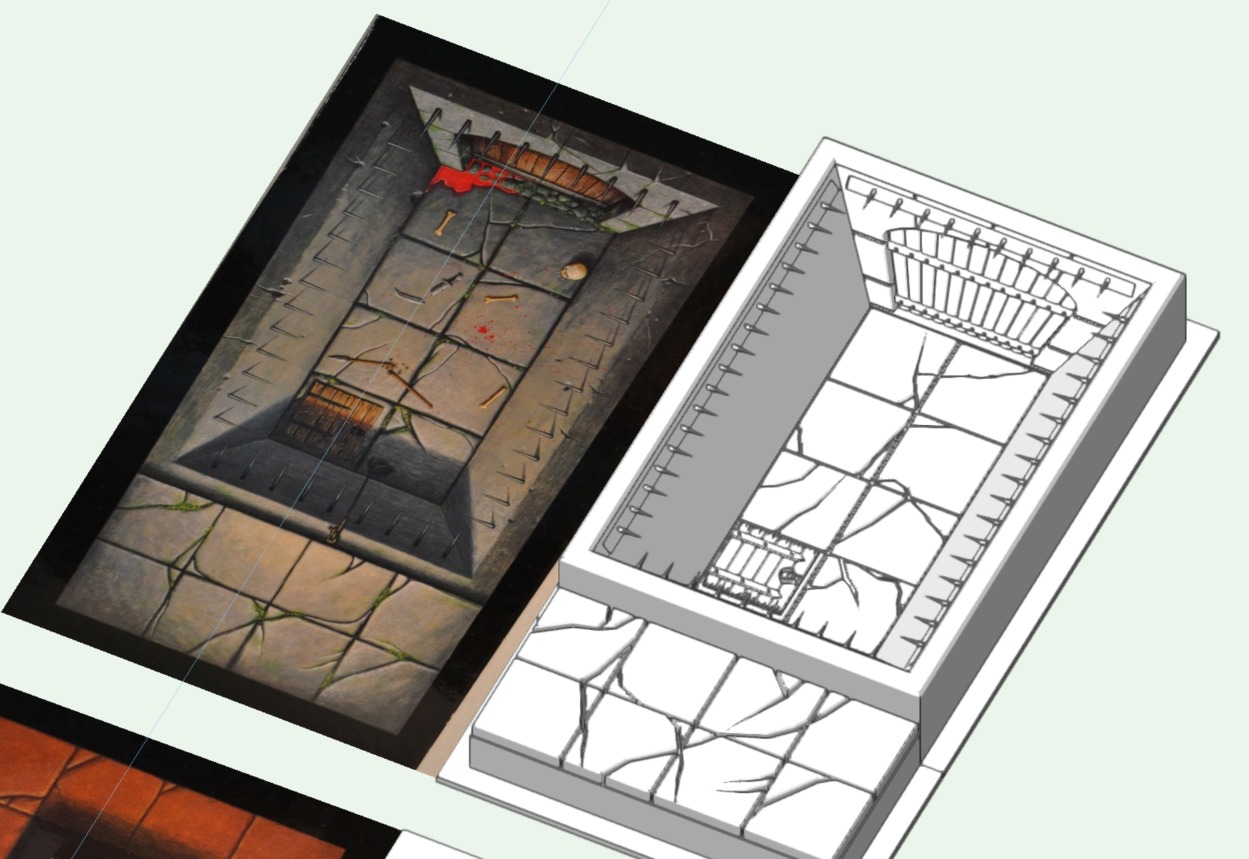 The Fighting Pit was the most difficult room. I had to make the pit have depth without making the whole tile chunky and too tall. I also had to create the spikes around the pit separately and glue them in place later
 DESIGNING THE BOARD SECTIONS
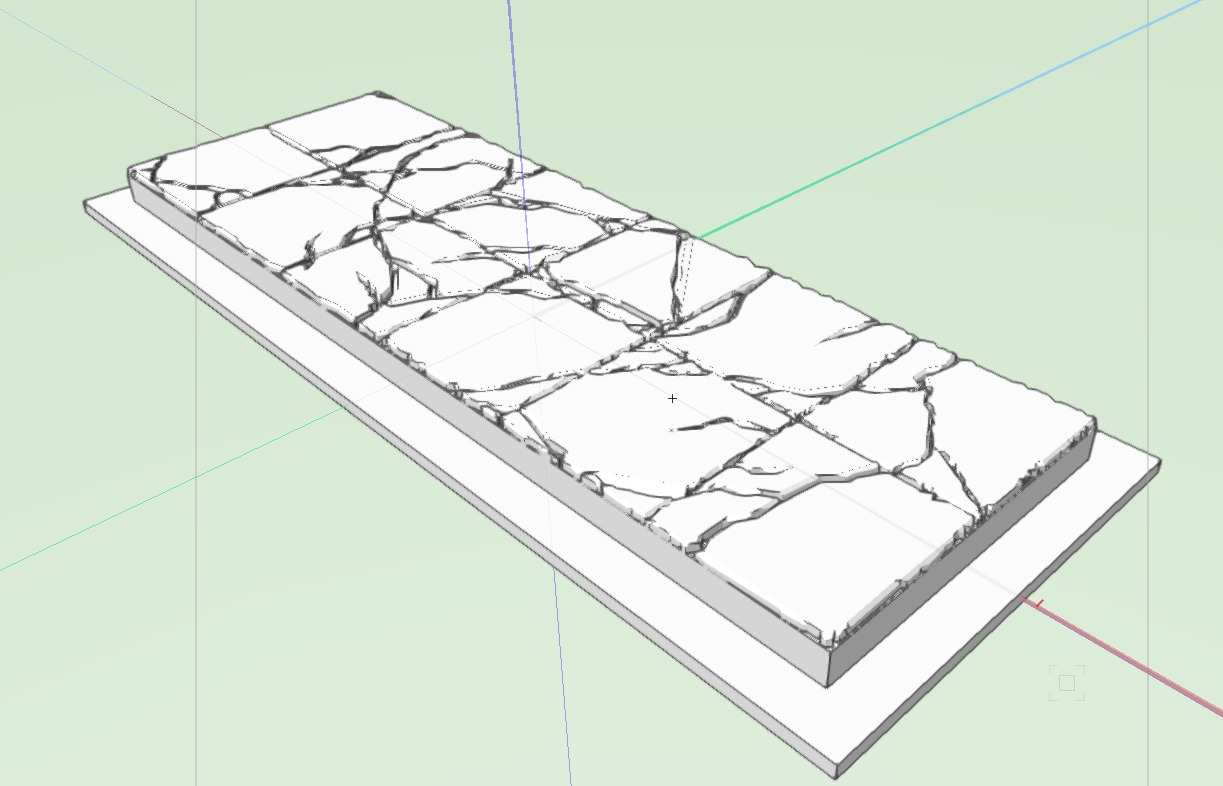 I created the 3D files using Vectorworks, which is an architectural drawing program. The downside with this is that organic shapes can be difficult or impossible to recreate
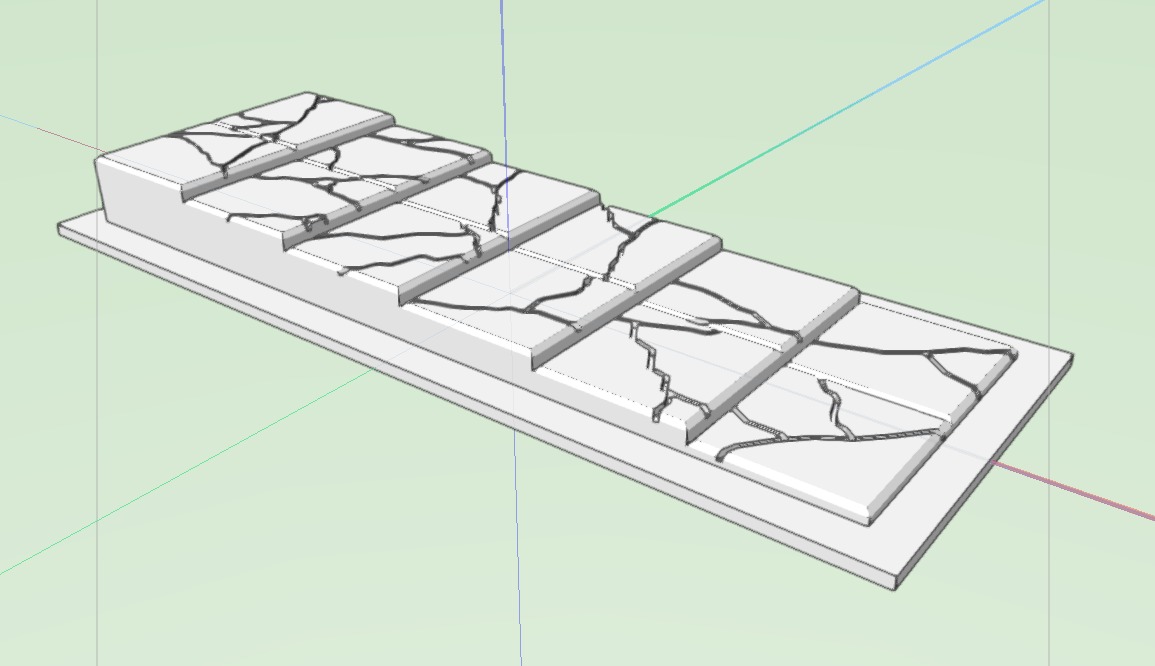 One of my initial hurdles was correctly choosing the height of the tiles. Some rooms have lower levels, but raising up the entire board on the off-chance one of these rooms might be in your dungeon deck seemed to be a bit of a waste of filament. I decided to pick heights I was happy I could get away with and not to worry too much about the reality of the levels. Higher up sections or rooms could be handled easily, it was rooms like the Fire Chasm and Fighting Pit that would be an issue. I decided to split the difference, and where necessary use forced perspective
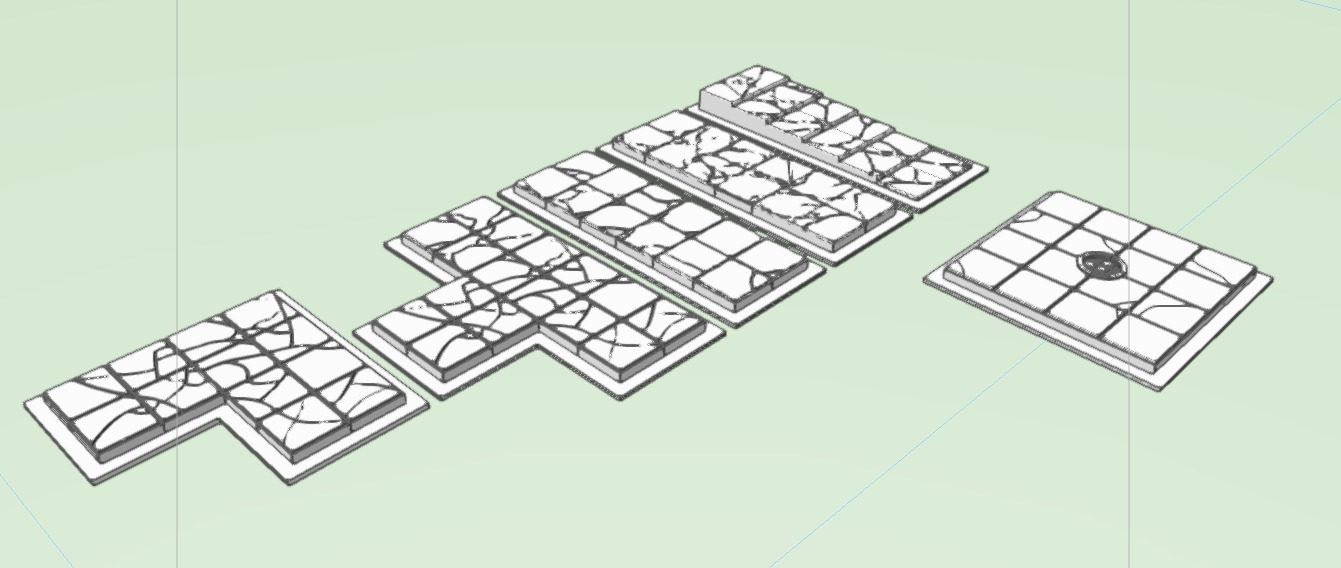 I worked through the 2 corridor sections at first, the T Junction and corner, before starting on the dungeon rooms
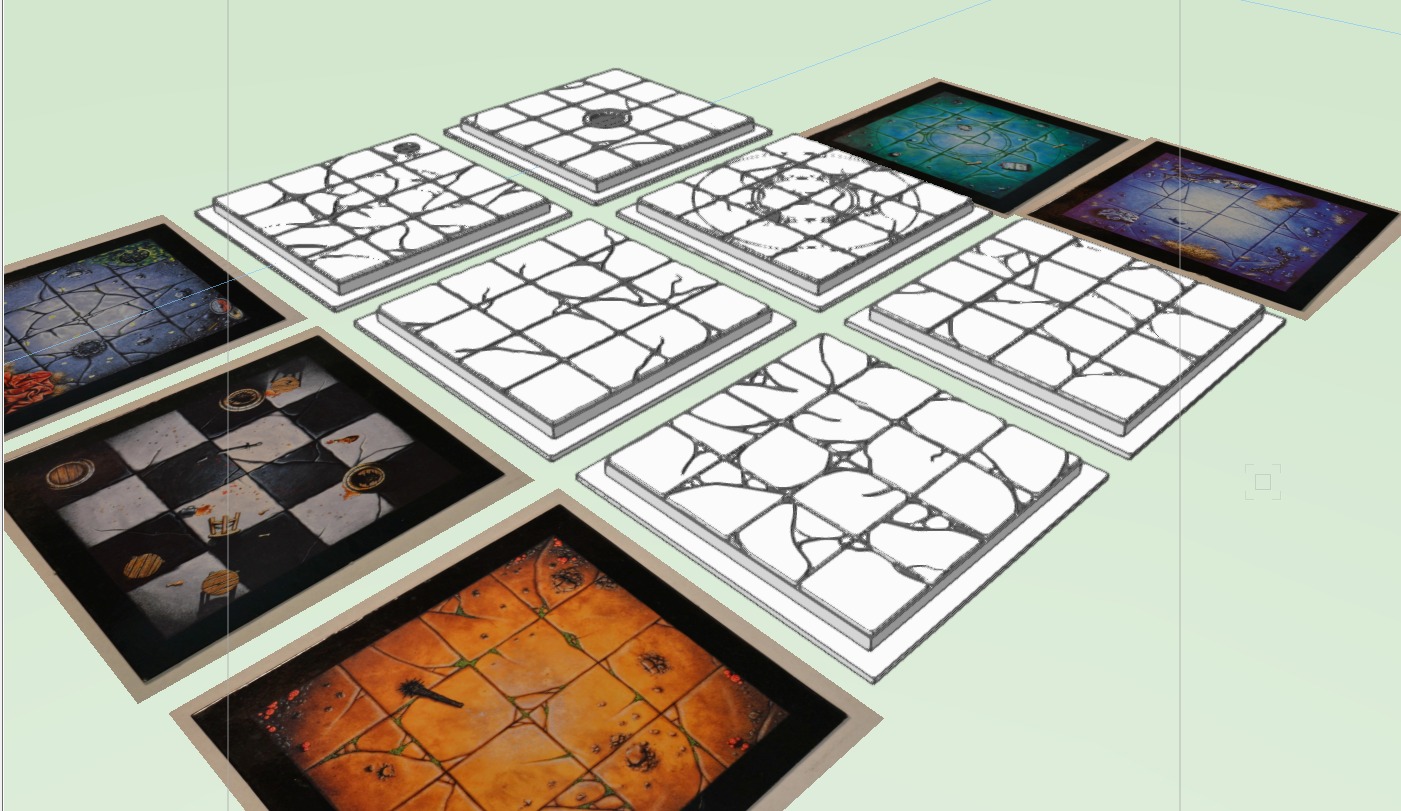 While designing the rooms I realised I had another issue. The rooms had quite a few great bits of added detail, like discarded weapons, furniture, and general detritus. However, if I replicated these on the square then I wouldn't be able to put an actual miniature on that square! I wanted the flavour of the room, but they also needed to be playable, so i opted to leave them off and just ensure the rooms were identifiable at the painting stage


![Battle It Out In The Early War With New Flames Of War Set [Updated]](https://images.beastsofwar.com/2026/10/fow-barbarossa-cover-600-338.jpg)